

Everything agencies need to run client work
Sarion replaces the patchwork of tools agencies rely on with one focused workspace.
Built specifically for agency delivery, not sales pipelines — Sarion combines the CRM, project tracking, invoicing, and client communication most agencies stitch together from separate tools into one workspace your team actually wants to use.
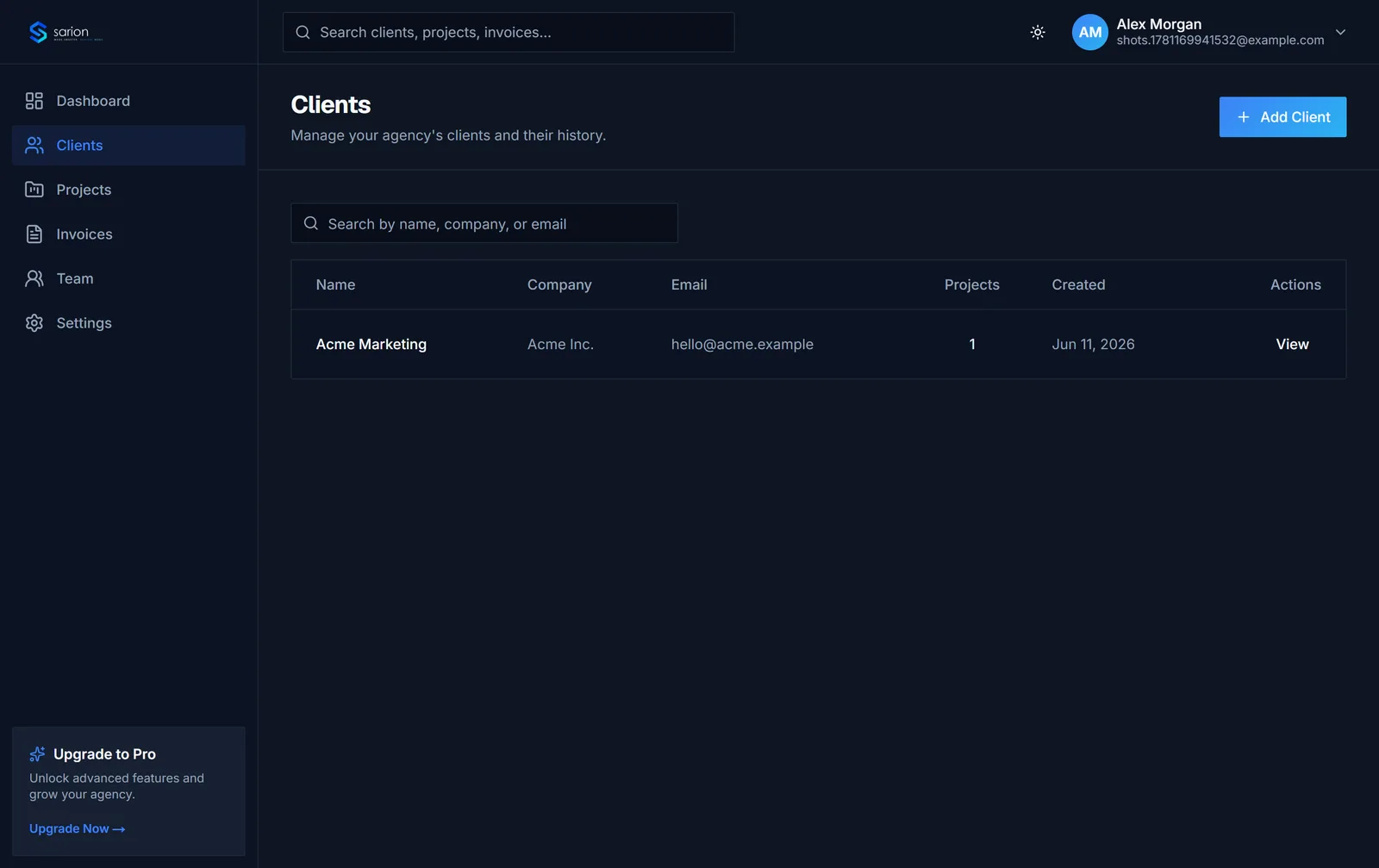
Every client, fully organized
Built for account managers who juggle a dozen clients at once — log a call note right after you hang up, then search it back up months later instead of digging through old email threads.
- Client records
- Notes
- Activity history
- Search
Nobody on the team has to ask "does anyone know where that came from?" again.
See the CRM in depth →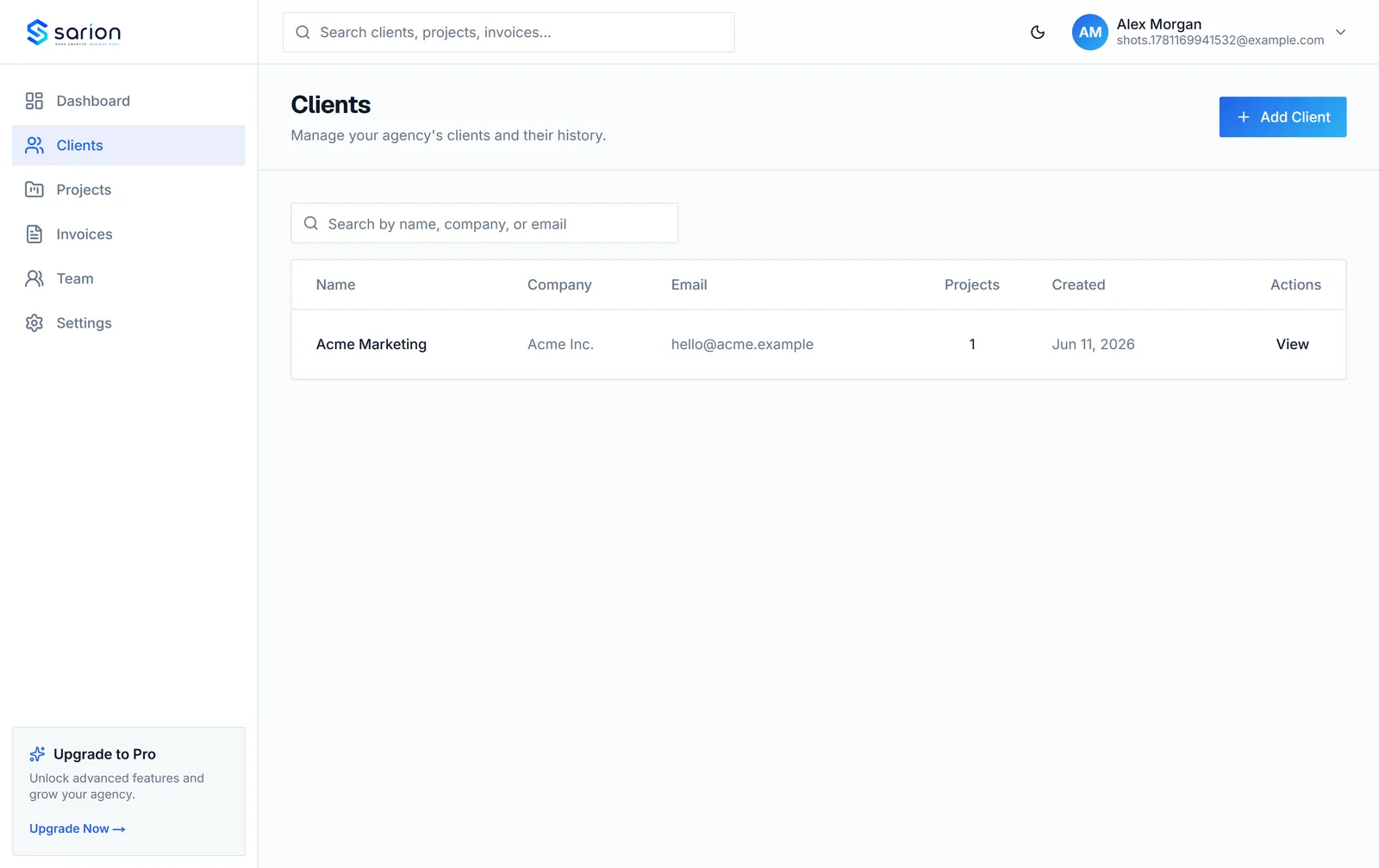
Keep work moving forward
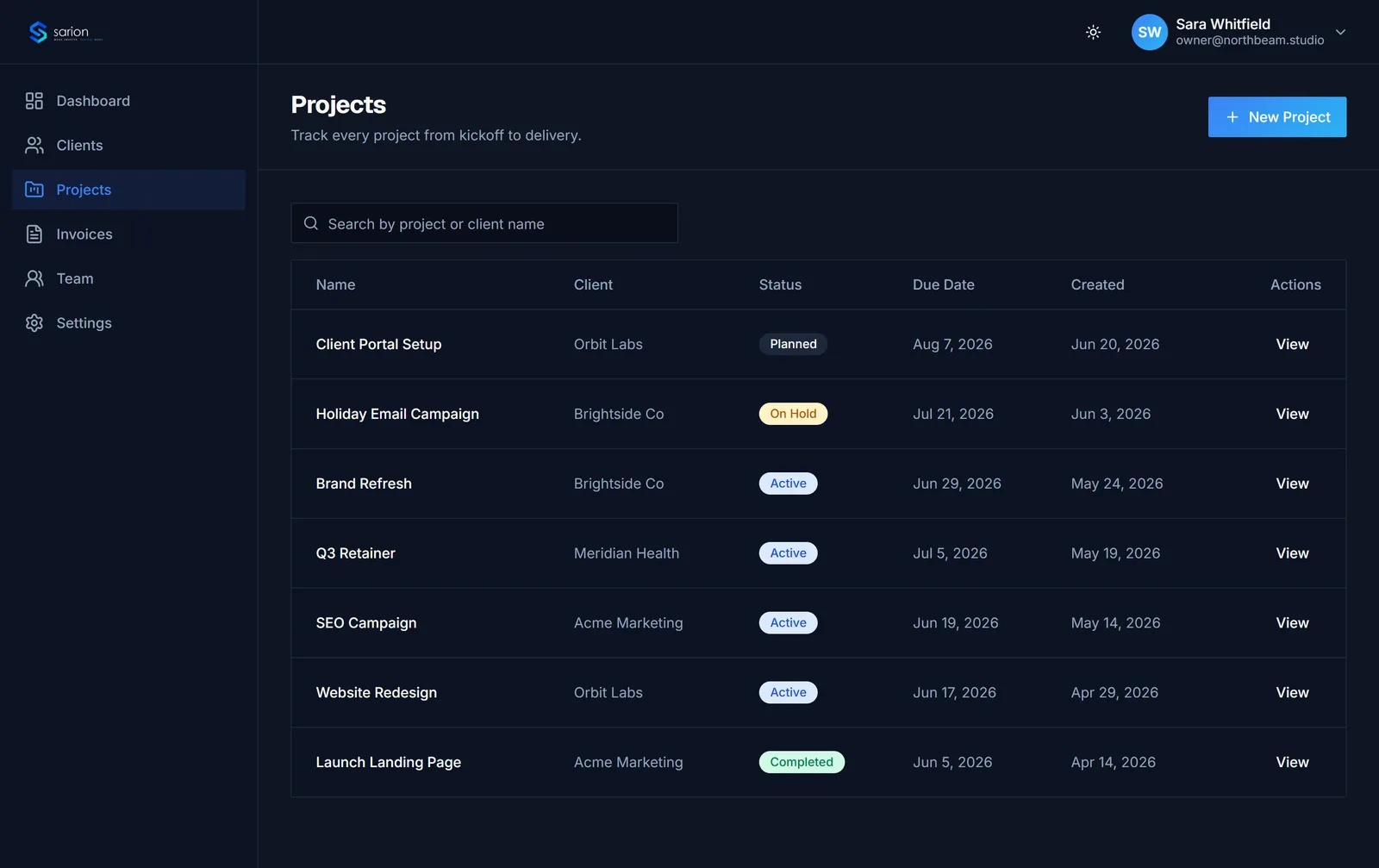
Project leads set a status and due date the moment a project kicks off, then check the board each morning to see what's slipping before a client has to ask.
- Status tracking
- Due dates
- Task checklists
Deadlines stay visible instead of living in someone's memory.
See project tracking in depth →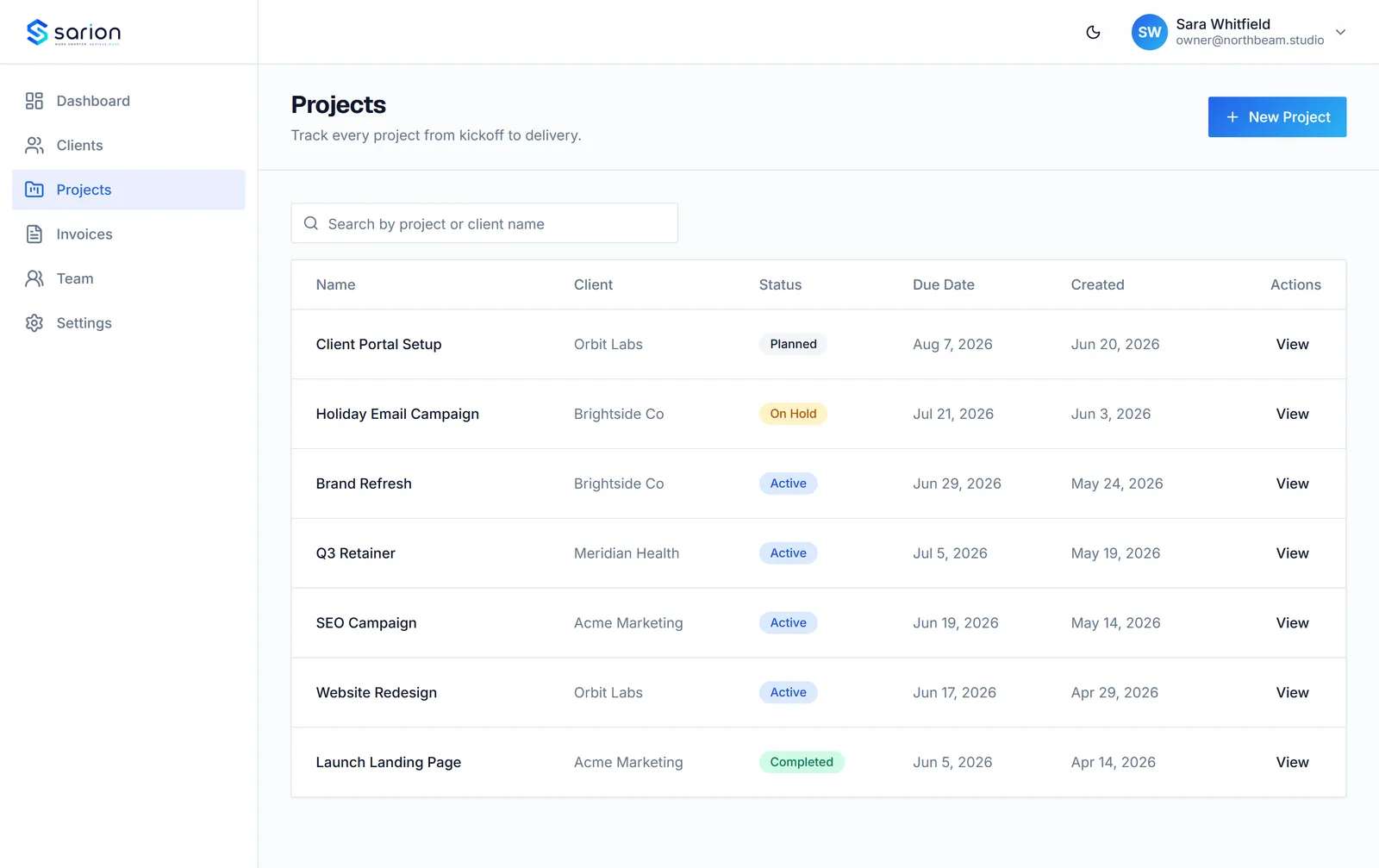
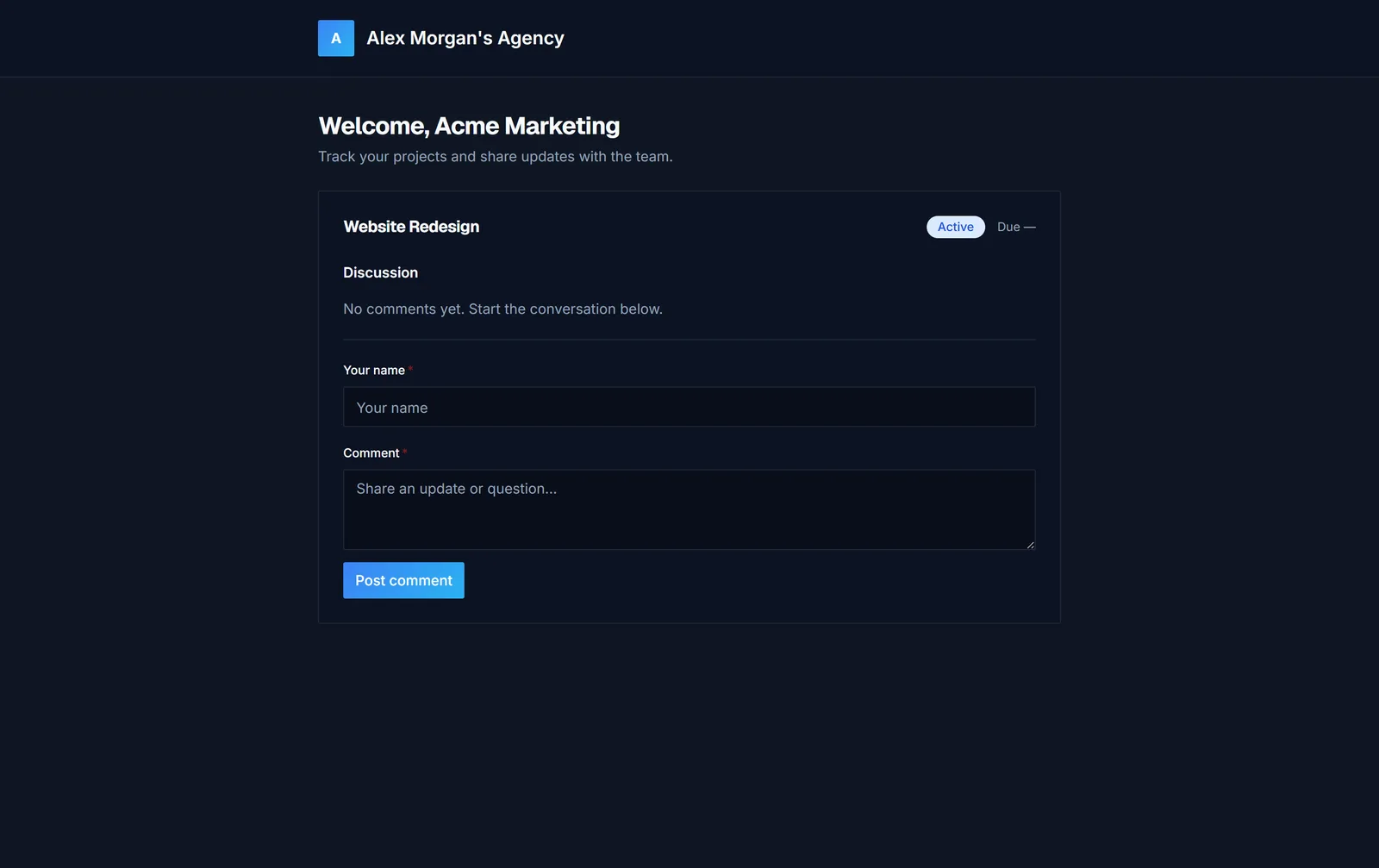
A branded space for your clients
Instead of writing a status-update email every Friday, account managers post progress once and clients check their own branded portal to comment and follow along.
- Branded portal
- Comments
- Progress visibility
- Shareable access
Status-update emails go away almost entirely.
See it live →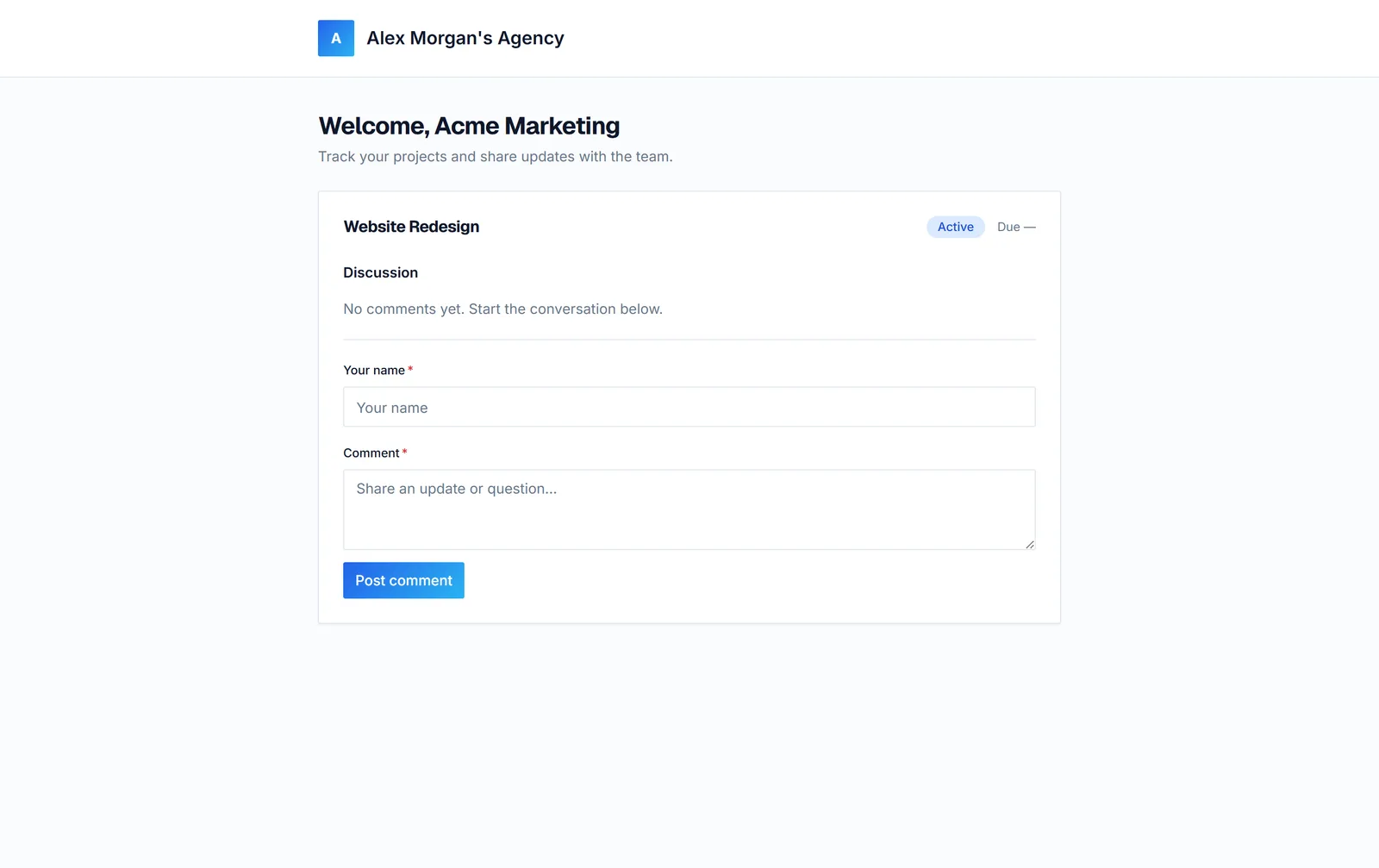
Never lose track of a payment
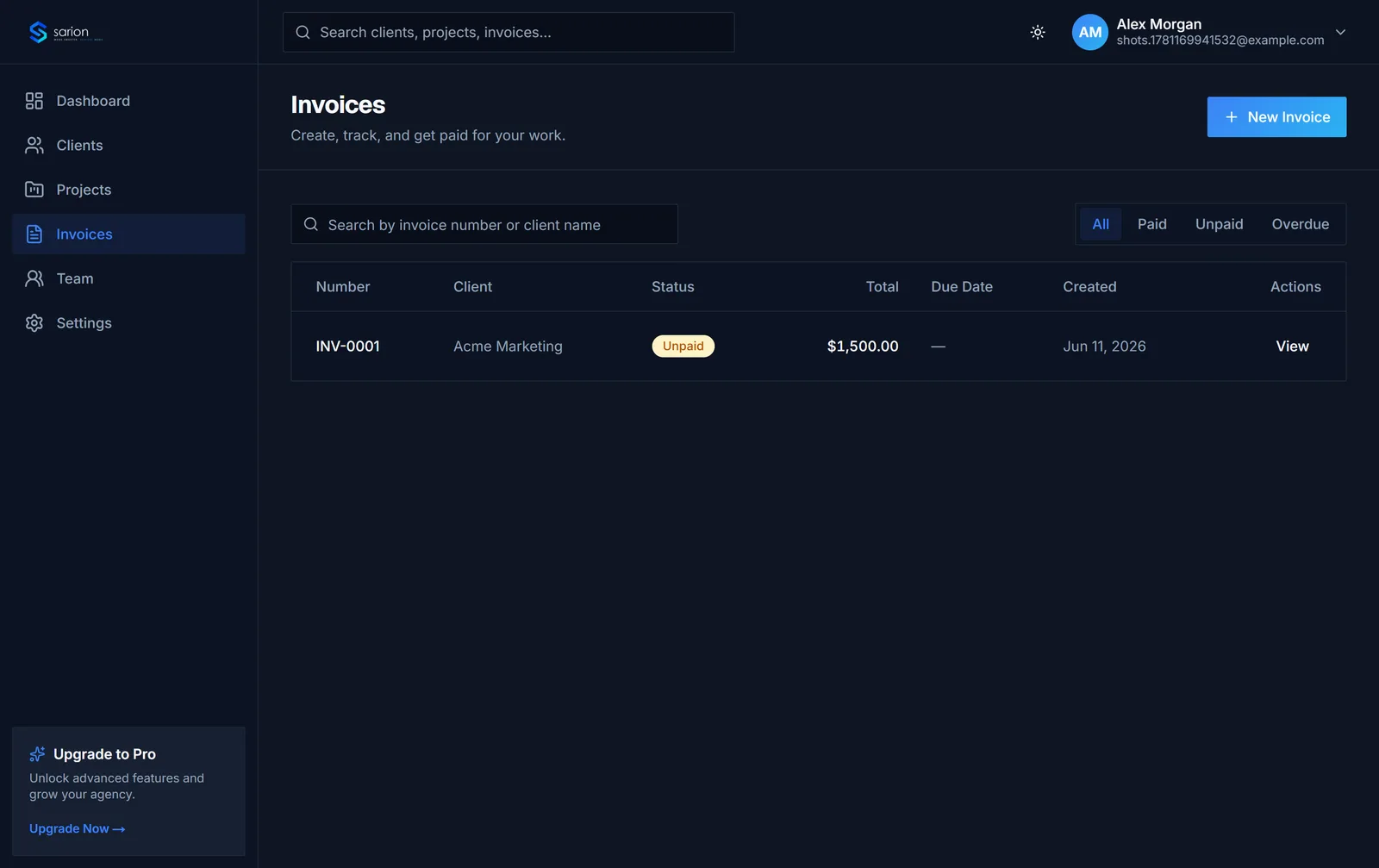
Whoever handles billing marks an invoice sent, then glances at the paid/unpaid/overdue split each week instead of reconciling a spreadsheet against a bank statement.
- Paid
- Unpaid
- Overdue
Overdue invoices get chased before they turn into bad debt.
See plans →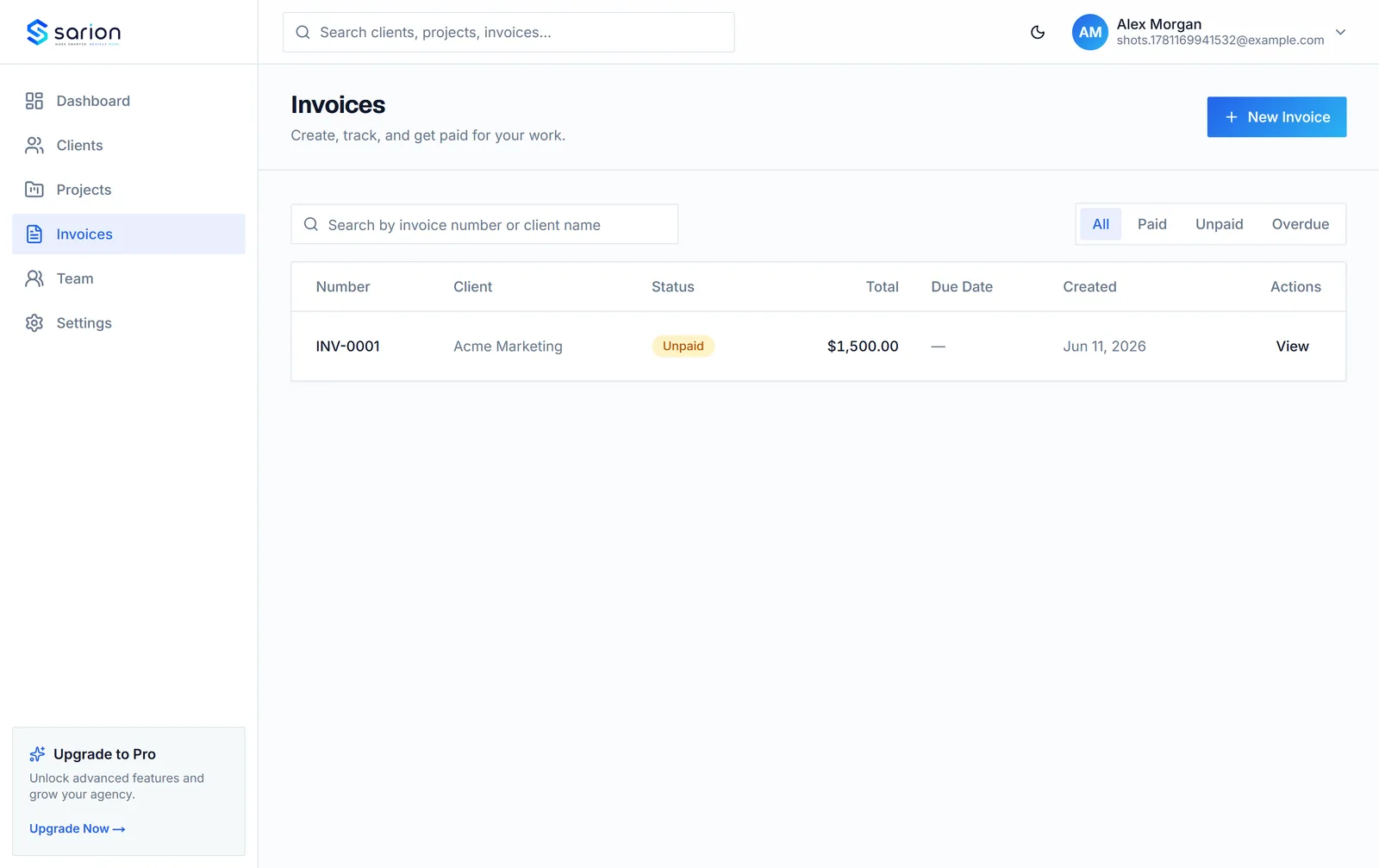
Work together, cleanly
Founders invite contractors and junior staff with the exact access they need, so a freelancer working one project never sees client data outside their lane.
- Owner access
- Team member access
- Shared workflows
Everyone works from the same source of truth, with no oversharing.
See plans →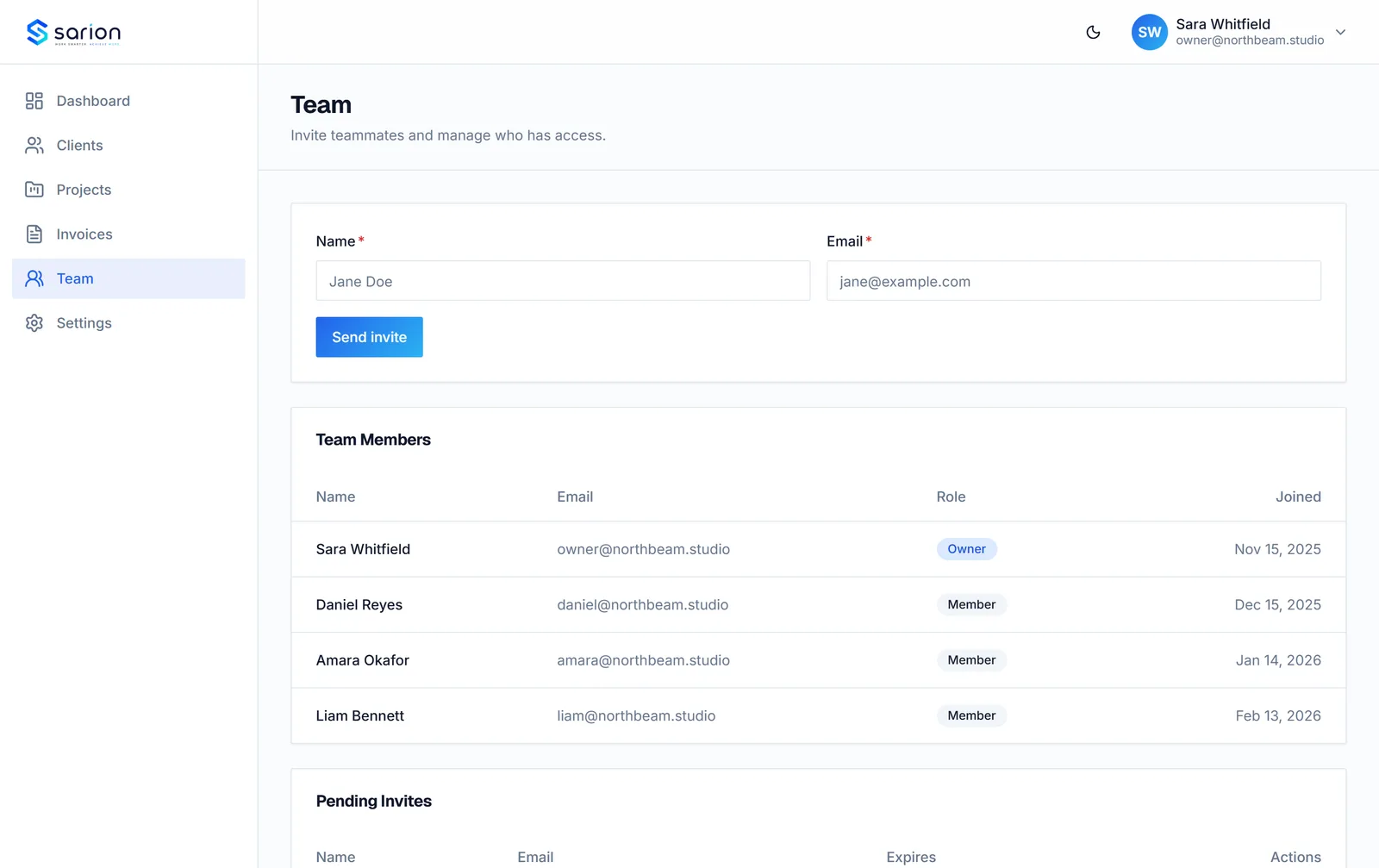
Questions about Sarion's features
Can I customize the client portal with my agency's branding?
Yes. Add your logo and agency name so the portal your clients see looks like your product, not Sarion's. Growth and Agency plans also unlock a custom subdomain.
Does invoicing support multiple currencies?
Yes — set the currency per invoice, so you can bill clients in their local currency without maintaining separate spreadsheets or tools.
Can I import my existing clients and projects?
Yes. Free migration assistance is included on every paid plan — send us your data from spreadsheets or another tool and we'll get it into Sarion for you.
Do clients need to create an account to use the portal?
No. Clients access their portal through a secure link — no signup, no password to remember. It works the same way whether they check it once a month or every day.
Can I control what each team member can see or edit?
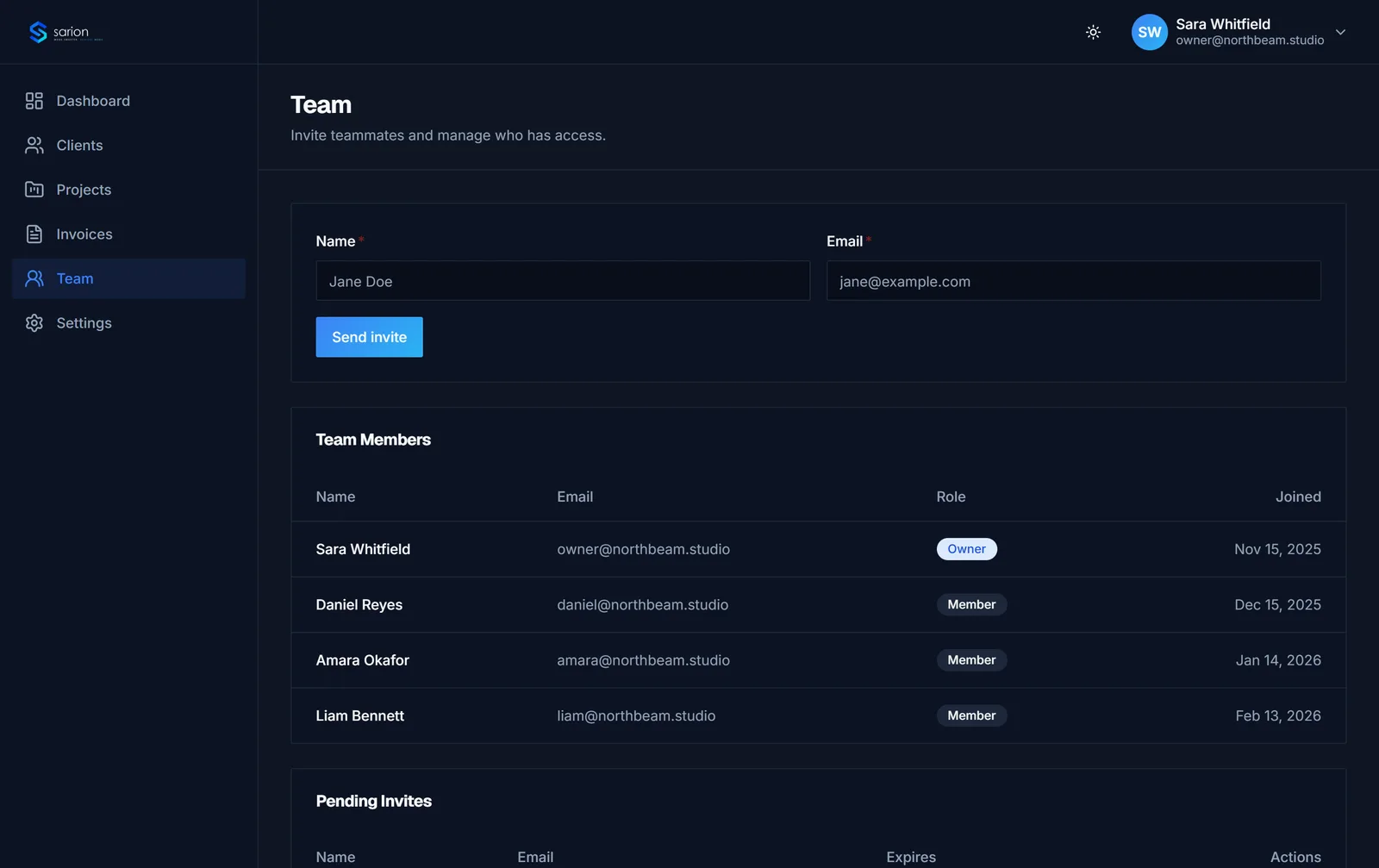
Yes. Team members you invite get access to your agency's workspace with role-based permissions, so junior staff and contractors only see what they need.
Can I track tasks within a project, not just overall status?
Yes. Each project supports its own task checklist, so you can break work into steps and see exactly what's done versus outstanding — not just a single status label.
Does Sarion send reminders for overdue invoices?
Overdue invoices are flagged automatically in your invoices list, so billing stays visible without you having to manually track due dates in a separate spreadsheet.
Can clients comment directly on a project in the portal?
Yes. Clients can leave comments on their project inside the portal, so feedback happens in context instead of scattered across email and chat.
What happens to my data if I switch plans?
Nothing is lost. Clients, projects, invoices, and portal history all stay intact when you upgrade or downgrade — you only gain or lose access to plan-specific features like custom subdomains.