

The CRM built for client delivery, not just the sale
Every client record holds contact info, notes, activity history, linked projects, and linked invoices in one place — so nothing about a client relationship lives in a separate tool.
Most CRMs are built to win the deal, then leave you to manage the relationship somewhere else. Sarion's client record is built for what happens after the deal closes: the projects you deliver, the invoices you send, and the notes and history that build up over months of working together.
One record per client, not five
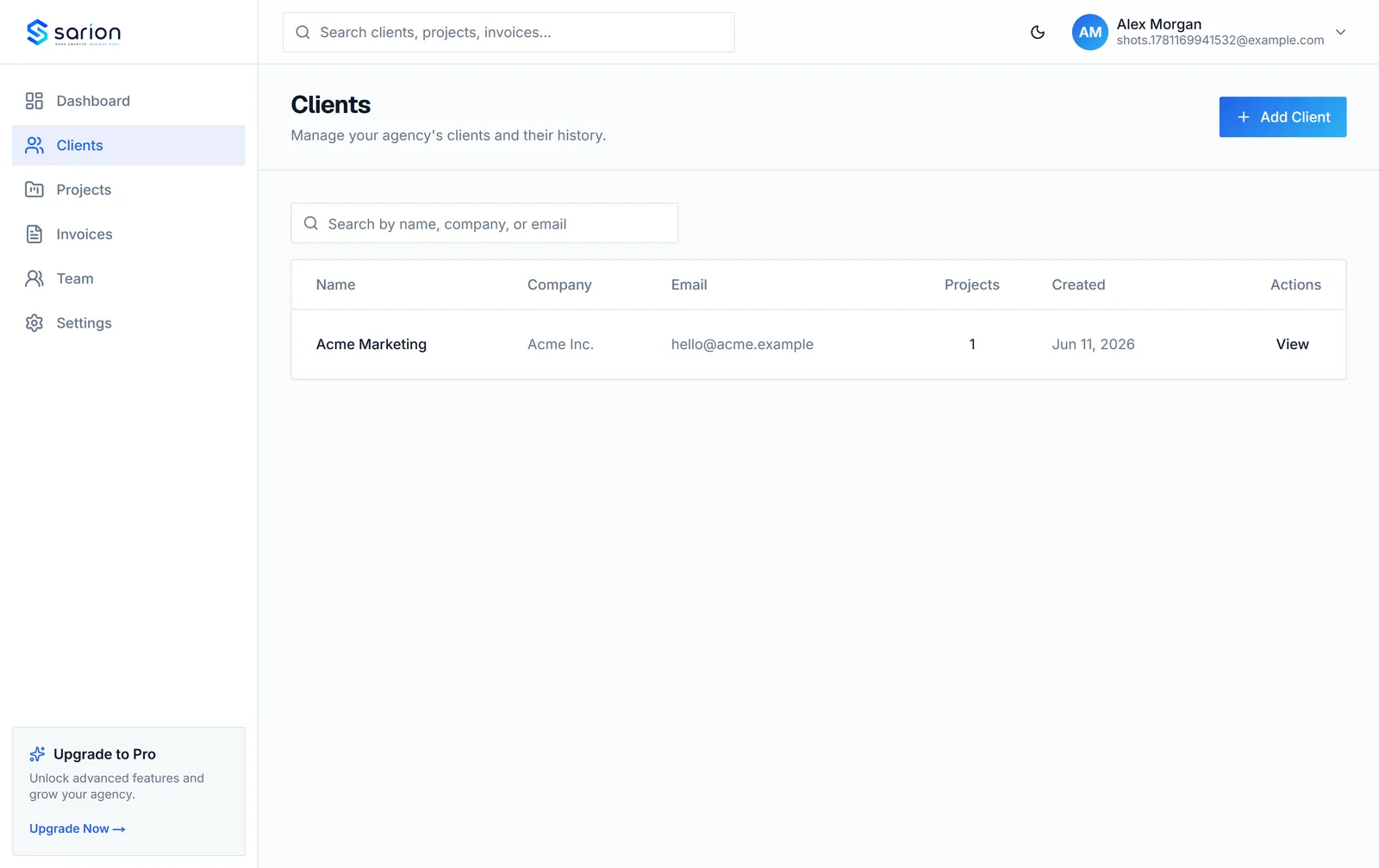
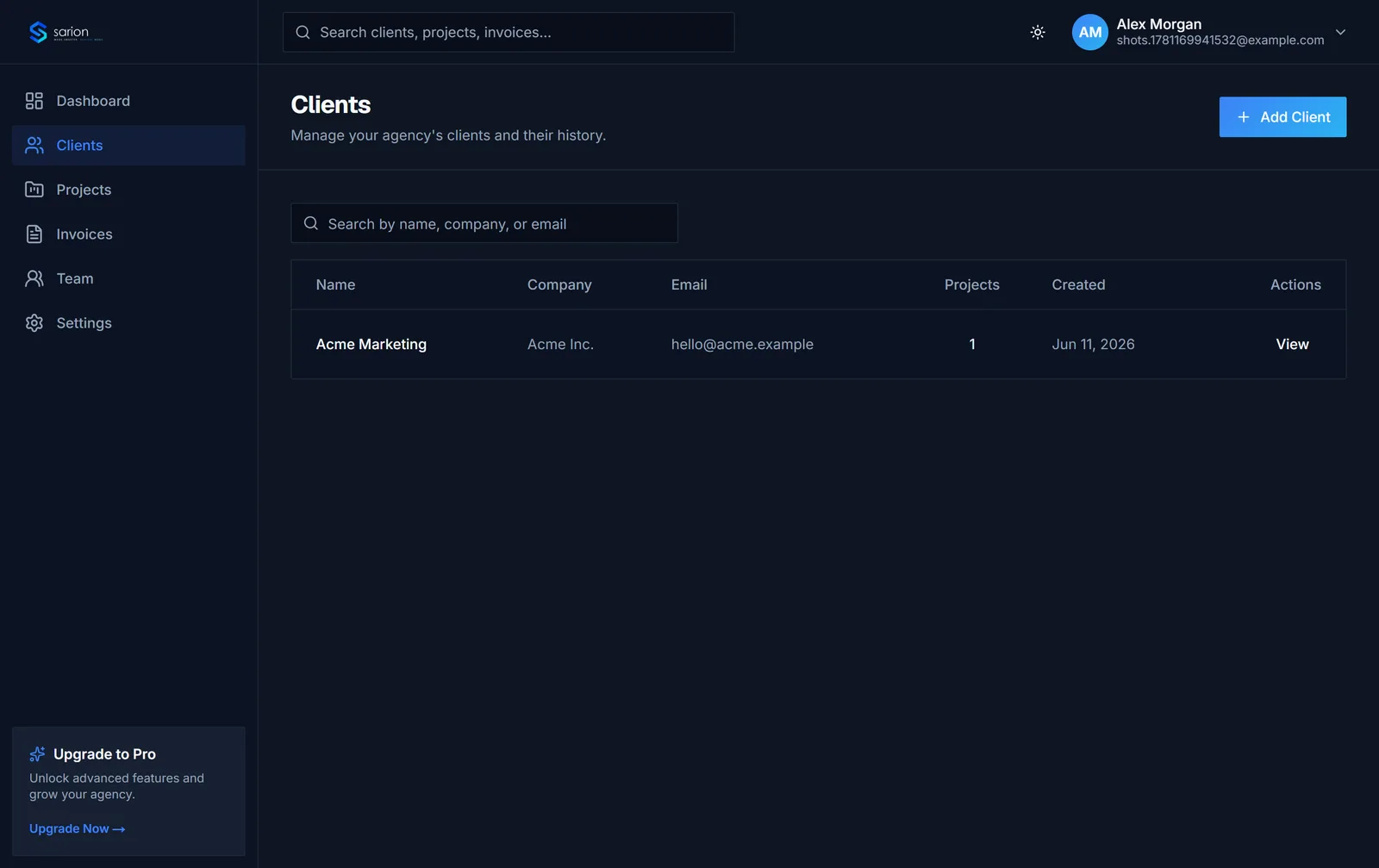
Add a client once — name, company, email, phone — and every note and interaction from then on gets logged against that same record. Account managers can log a call note right after hanging up, then search it back up months later instead of digging through old email threads.
- Contact details
- Notes
- Activity history
- Search across all clients
Nobody on the team has to ask "does anyone know where that came from?" again.
Projects and invoices, tied to the client automatically
Open a client and you see their projects and invoices right there — no separate lookup, no re-typing which client a project belongs to. Create a project or invoice for a client and it's linked to that record from the start, so their whole history stays in one place as the relationship grows.
- Linked projects
- Linked invoices
- Client-specific portal link
Everything about a client relationship stays connected — no copying data between separate tools.
See the client portal →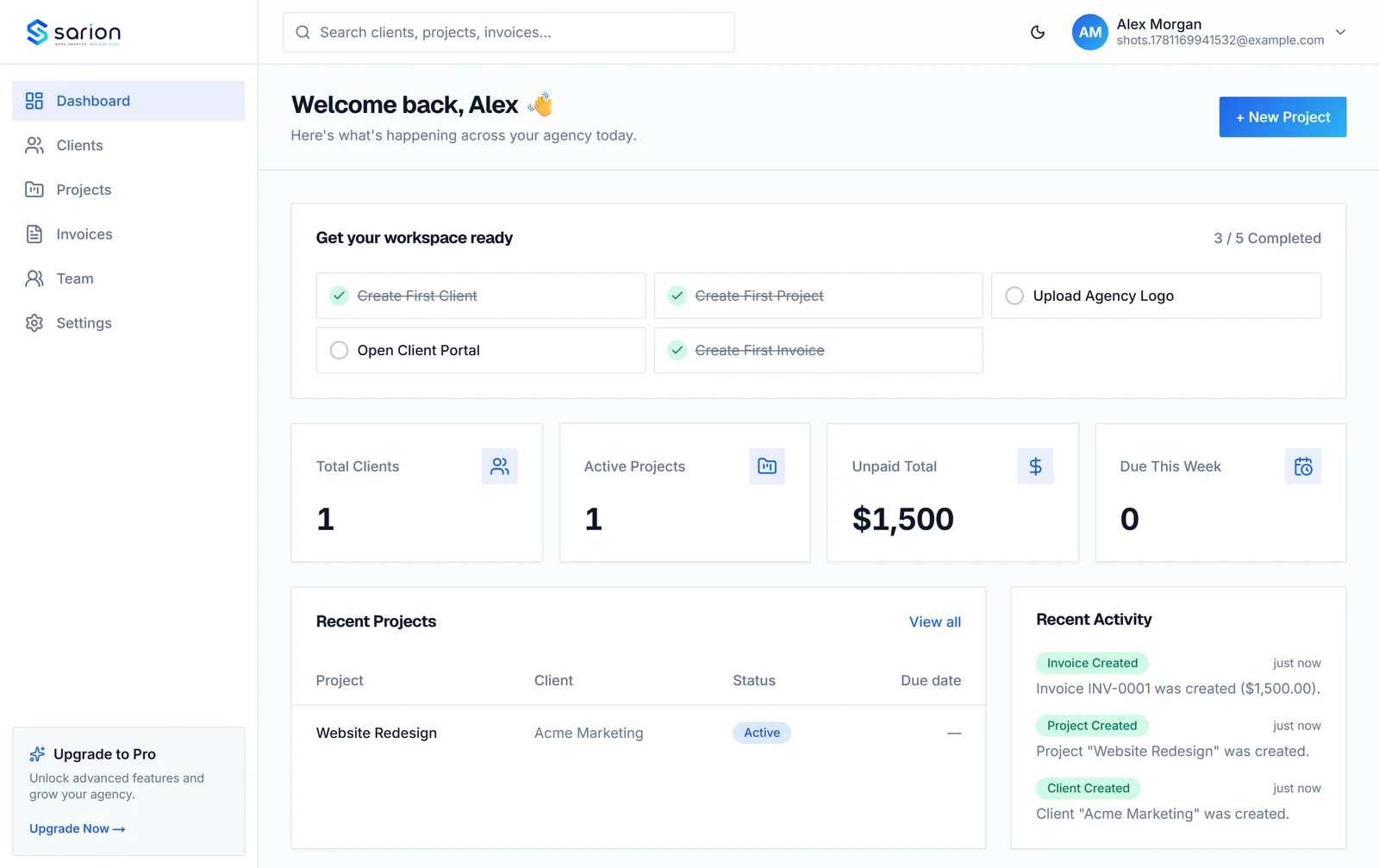
Find any client in seconds
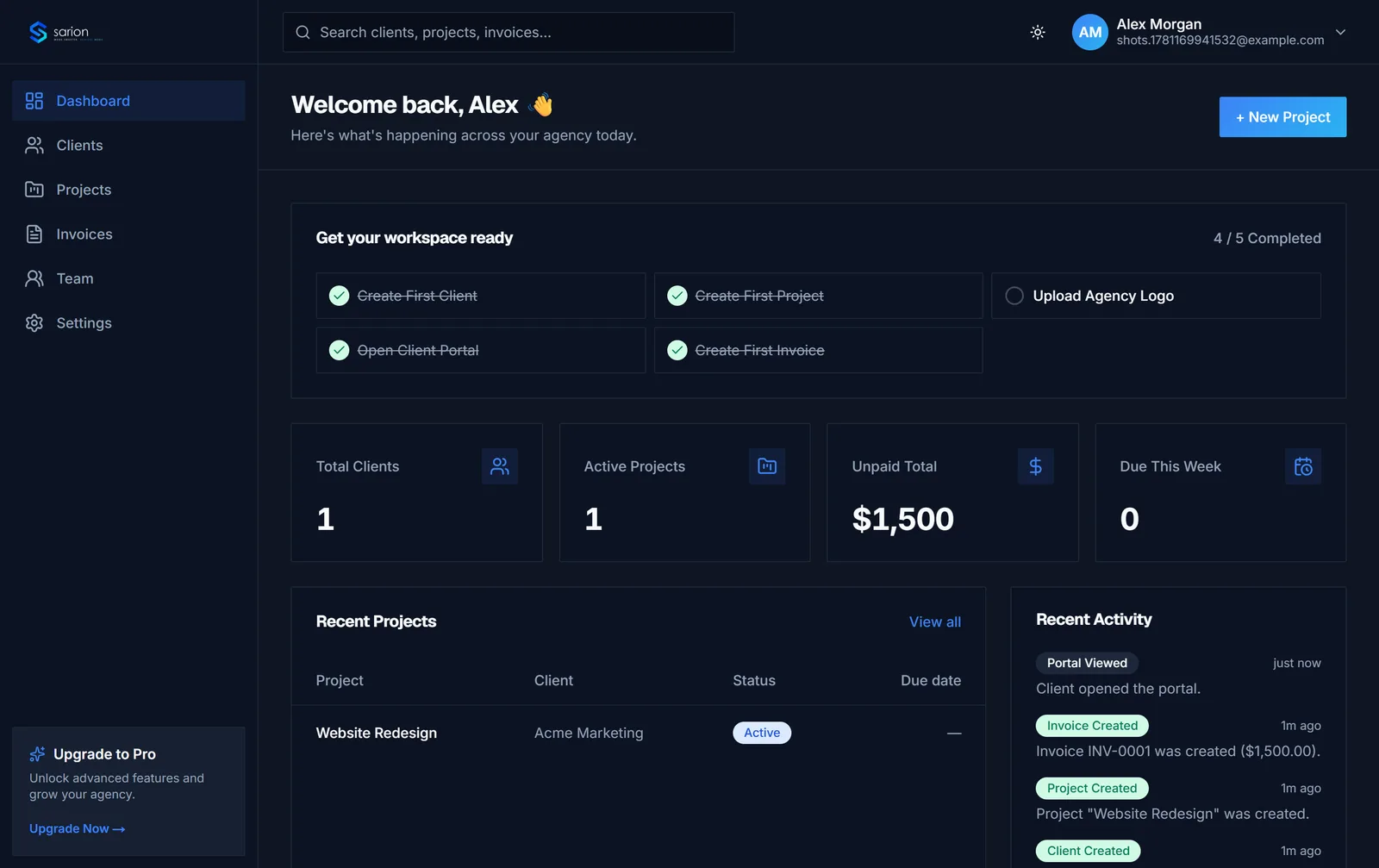
As your client list grows past a handful of names, scrolling through a spreadsheet stops working. Search by name, company, or email and jump straight to the record — with its notes, projects, and invoices already there — instead of hunting through tabs or folders.
- Instant search
- Company and contact fields
- Project counts at a glance
Your client list stays usable whether you have five clients or fifty.
Questions about Sarion's CRM
Is this a sales CRM?
No. Sarion isn't built for pipeline stages, deal forecasting, or lead scoring — there are good tools for that already. Sarion's client record picks up once someone becomes a client: it's built for the ongoing delivery relationship that follows, where the important things are what work is happening, what's been said, and what's been paid.
Can I track notes and call history?
Yes. Every client record has a notes field and an activity history, so you can log a call note right after you hang up and search it back up months later instead of digging through old email threads or a teammate's memory.
How is this different from a spreadsheet?
A spreadsheet holds contact info. It doesn't know which projects or invoices belong to a client, and it can't power a client portal. Sarion's client record links directly to that client's projects and invoices, so updating one place keeps everything connected — no copying data between tabs or tools.
Does every client automatically get a portal?
Yes. Each client record includes a unique portal link, so the moment you add a client they have a place to see their projects and invoices — you don't set up anything separately per client.