

Invoices that never get lost in a separate tool
Create and send invoices from the same record as the client's projects and files, then see paid, unpaid, and overdue status — with aging — without opening a spreadsheet.
Every invoice in Sarion is tied directly to the client it's for. No more hunting through a separate invoicing tool to figure out who owes what — status, due dates, and aging are all visible from the same place you manage the work itself.
Invoices tied to the client, not floating in a folder
Whoever handles billing builds an invoice straight from the client record — add line items, a total, and a due date — instead of starting a new document in a separate invoicing app and hoping it gets linked back correctly later.
- Line items
- Due dates
- Linked to client & project
- Multiple currencies
Every invoice you send is already attached to the right client and project.
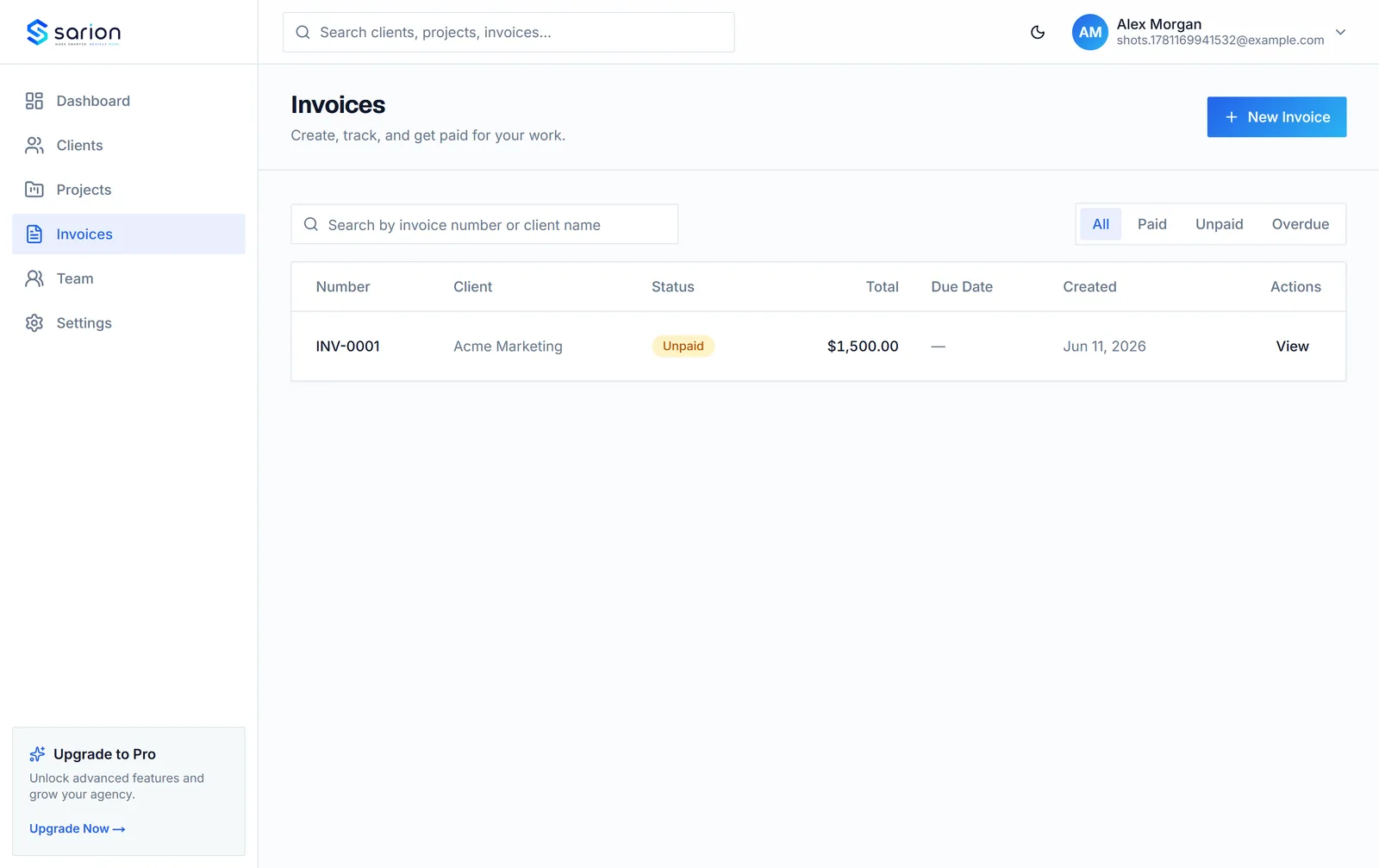
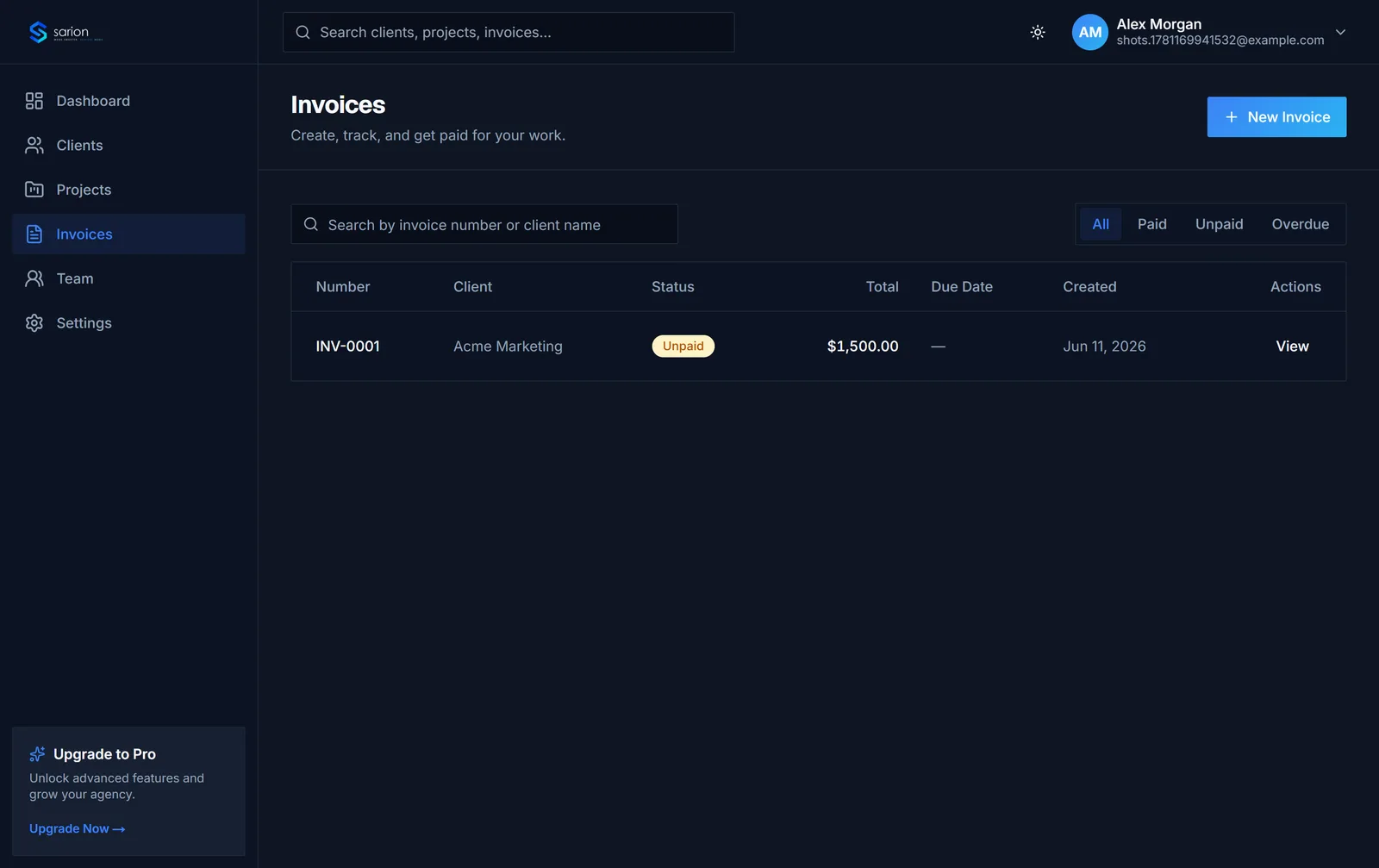
Paid, unpaid, overdue — always visible
Instead of reconciling a spreadsheet against a bank statement every week, whoever handles billing glances at the invoices list to see what's paid, what's still open, and what's slipped past its due date.
- Paid / unpaid / overdue status
- Aging buckets: current, 1-30, 31-60+
- Outstanding totals at a glance
Overdue invoices get flagged and chased before they turn into bad debt.
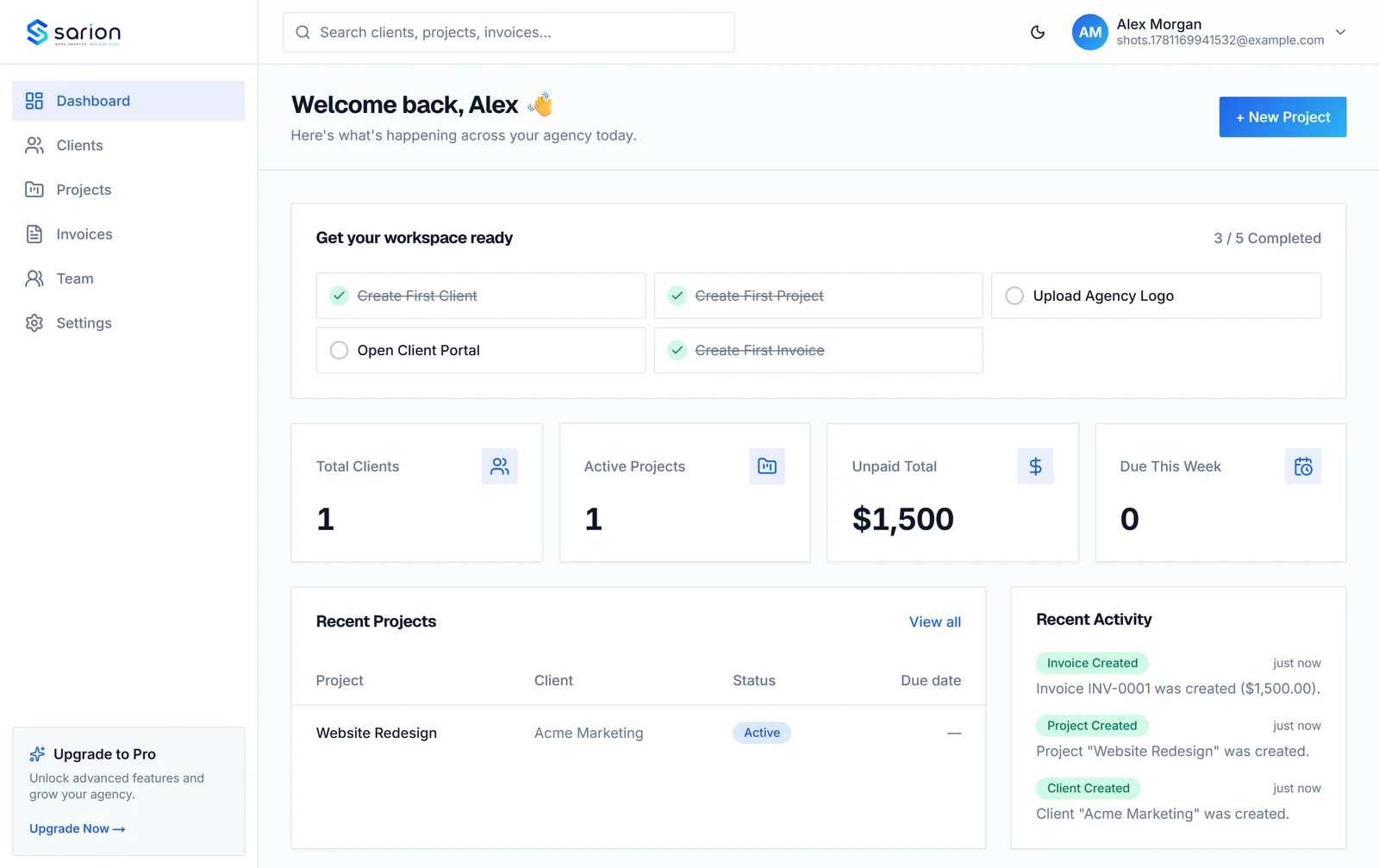
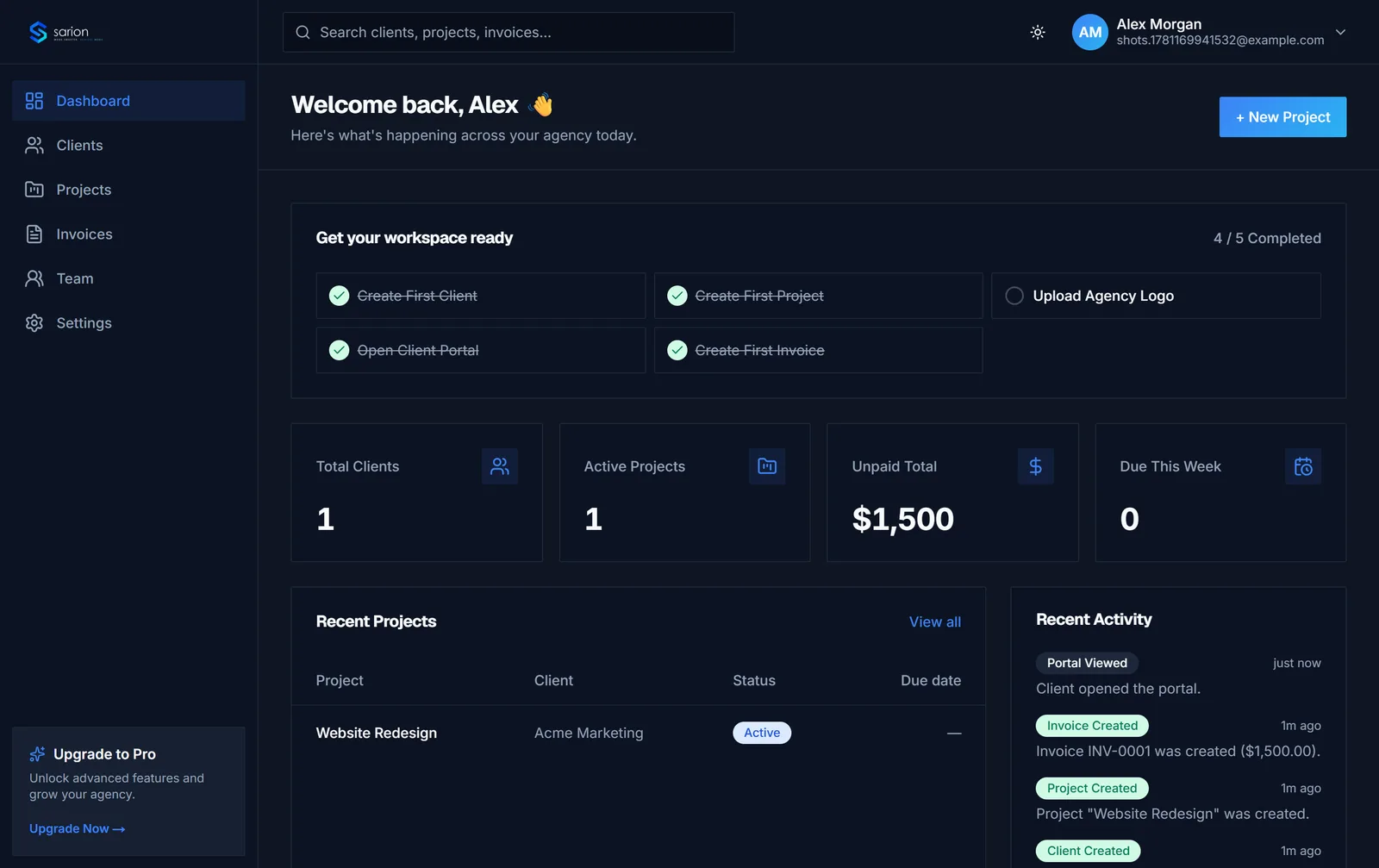
Clients see what they owe, without asking
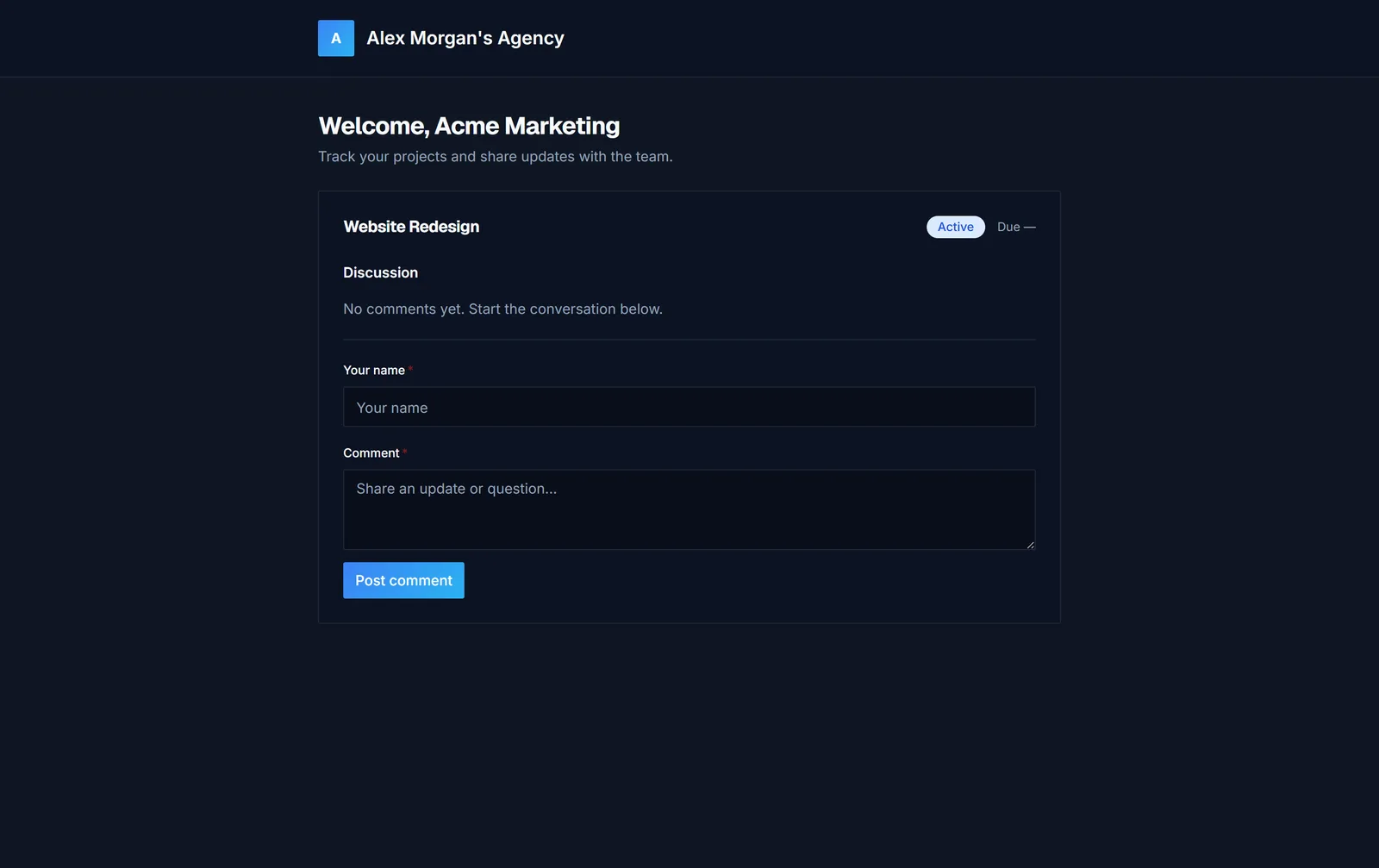
A client wondering whether an invoice went through checks their own portal instead of emailing to ask — the invoice and its status are already sitting there next to their project.
- Invoices visible in the client portal
- Status shown per invoice
- No separate login or app for clients
"Did you get my invoice?" stops being a question you have to answer.
See the client portal →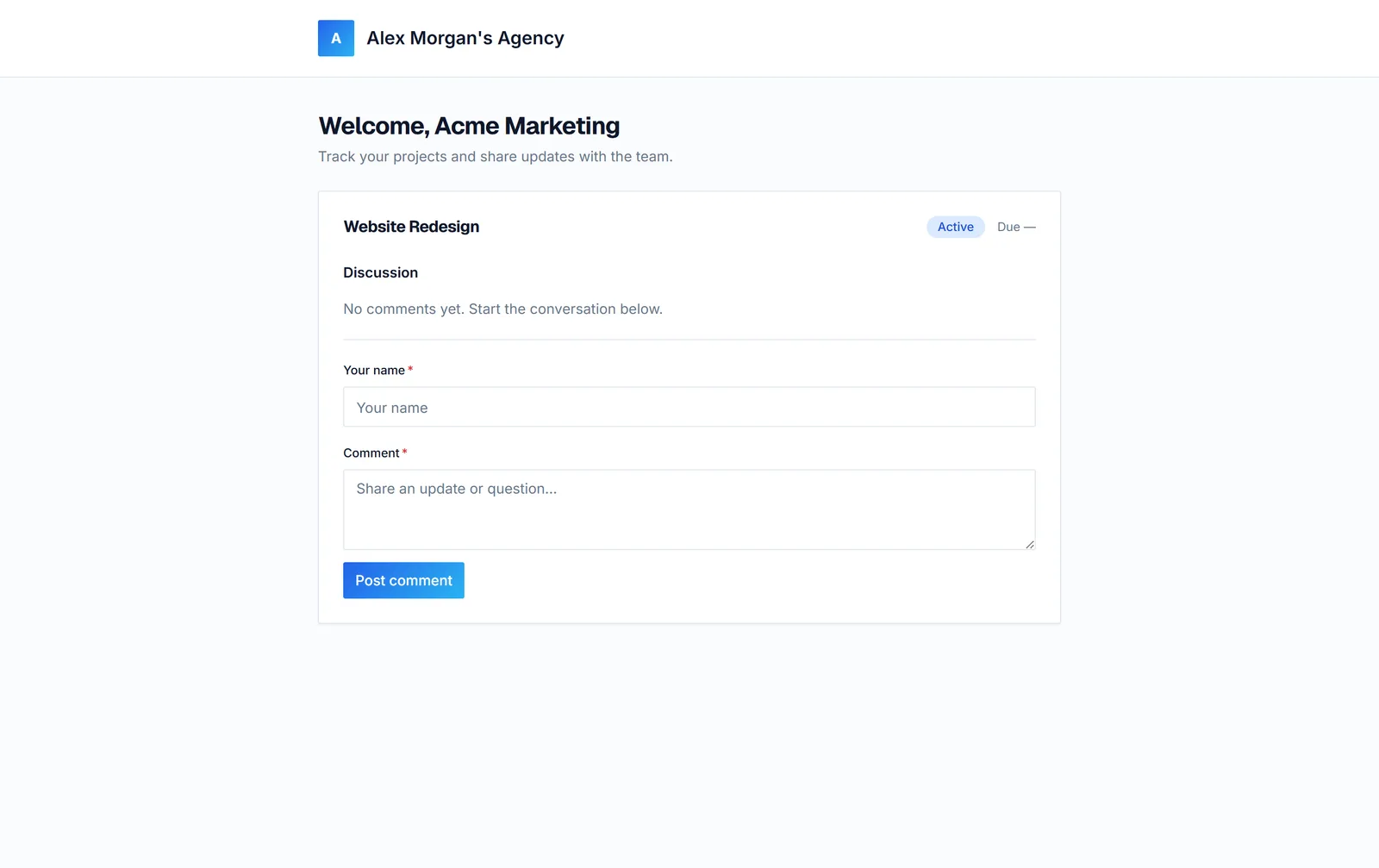
Questions about invoicing in Sarion
Can clients pay their invoice online?
Sarion tracks invoice status — unpaid, paid, and overdue — so you and your client always know exactly what's owed. It's not a payment processor, so you'll still collect payment the way you already do (bank transfer, card link, whatever your agency uses) and mark the invoice paid once it lands.
How do I track overdue invoices?
Every unpaid invoice past its due date is automatically flagged as overdue and rolled up into aging buckets — current, 1-30, 31-60, 61-90, and 90+ days — right on your dashboard, so you can see what's aging before it becomes bad debt instead of reconciling a spreadsheet by hand.
Does this replace QuickBooks or FreshBooks?
Not for accounting — Sarion isn't a bookkeeping or tax tool. What it replaces is tracking invoices in a spreadsheet disconnected from the client work itself. Every invoice lives on the same client record as their projects and files, so billing status is never a separate lookup.
Can I set a due date and line items on each invoice?
Yes. Each invoice has its own line items, total, and due date, and is tied to the client (and project, where relevant) it belongs to — so the amount and the work it covers are always in the same place.