

Task checklists that stay with the project
Tasks live inside the project they belong to, so there's no separate task board disconnected from who the client is or what's been invoiced.
No standalone to-do app to keep in sync with your real work. Add a checklist to a project, mark items done as the work happens, and the dashboard tells you what's still open — all without leaving the client and project record it belongs to.
Break a project into a simple checklist
Whoever's running a project adds the steps it takes to deliver it, then checks items off as they're finished — no separate app, no copying a list from a notebook or a chat thread into yet another tool.
- Add tasks to any project
- Mark done or not done
- Assign a task to a team member
- Reorder items as priorities shift
A clear, shared view of what's left on a project — without a status meeting to find out.
See how projects work →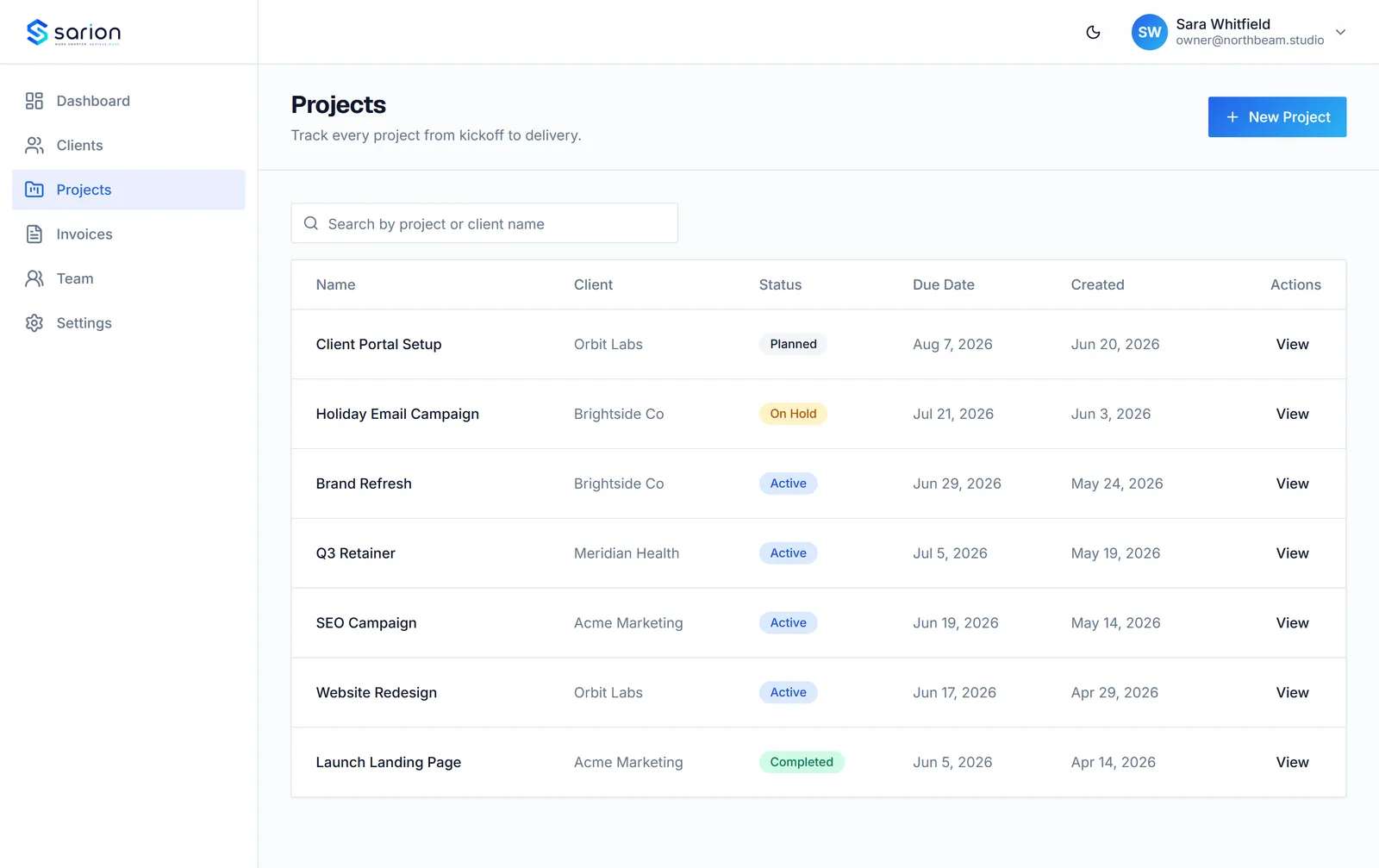
Nothing slips through unnoticed
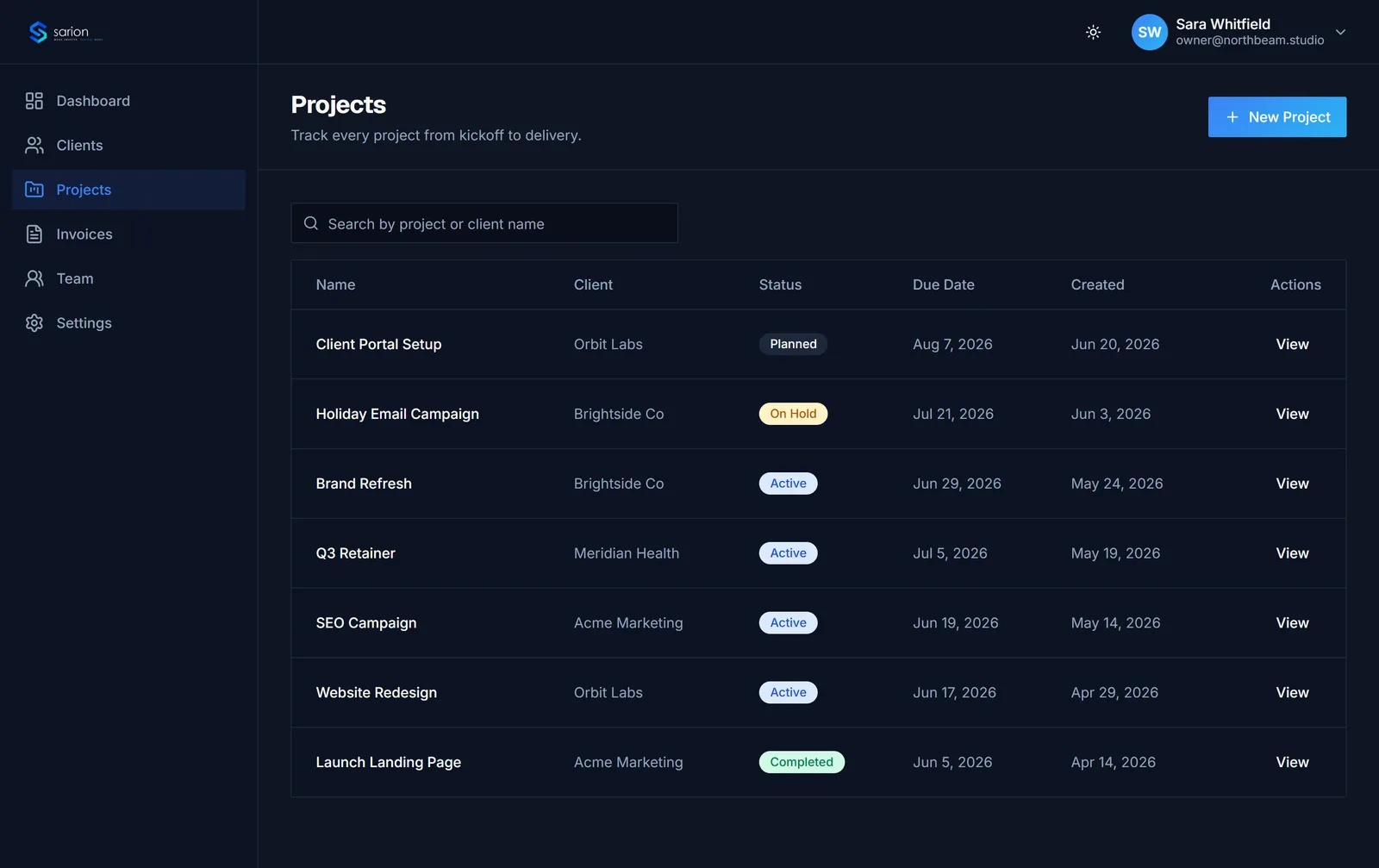
Your dashboard keeps a running count of open tasks across every project, so unfinished checklist items surface on their own instead of staying buried until someone opens each project one by one to check.
- Open-task count on the dashboard
- Rolled up across every project
- No project left unchecked
A quiet, honest signal of what still needs doing — not another inbox to manage.
See the dashboard →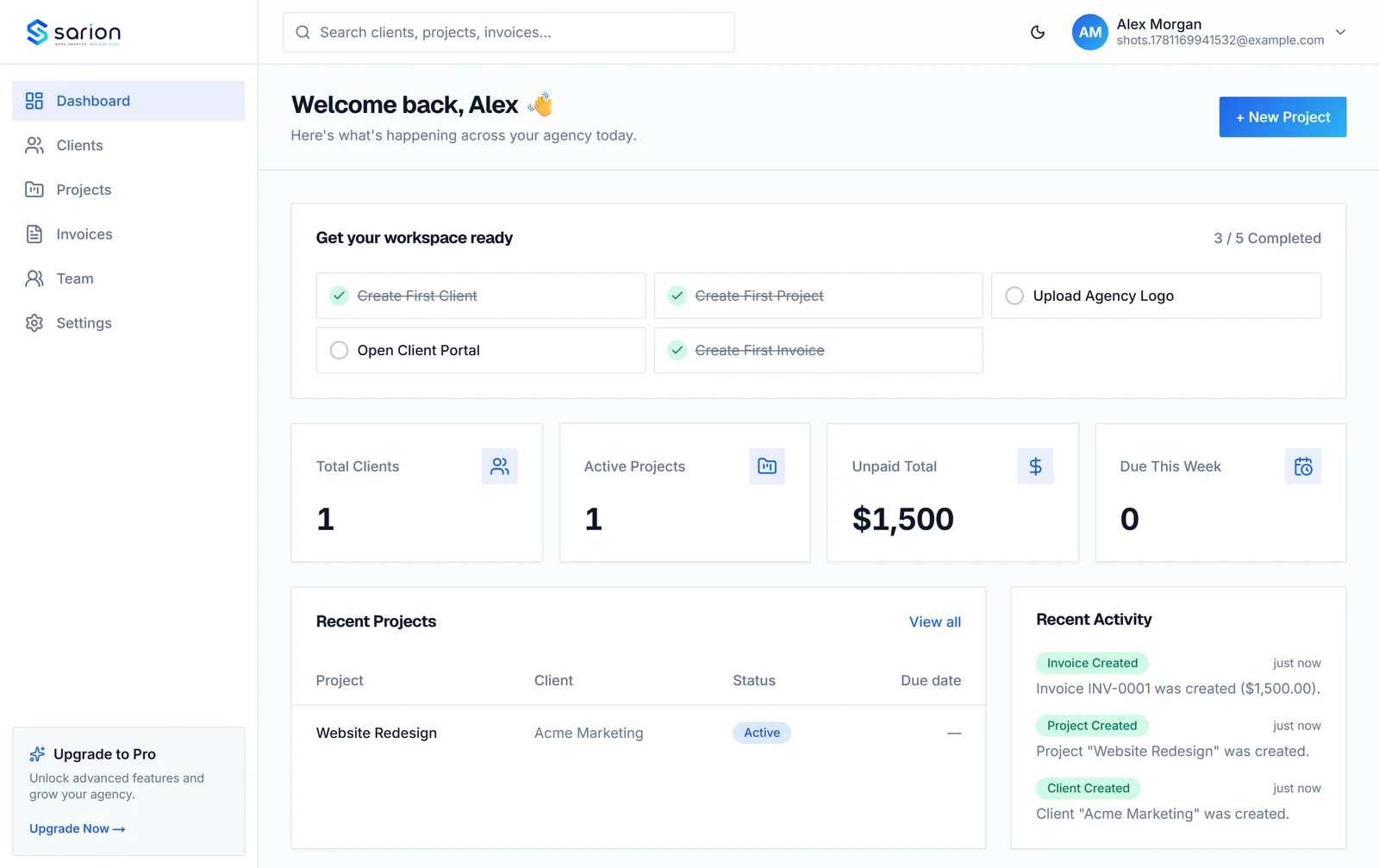
Always in context, never a flat list
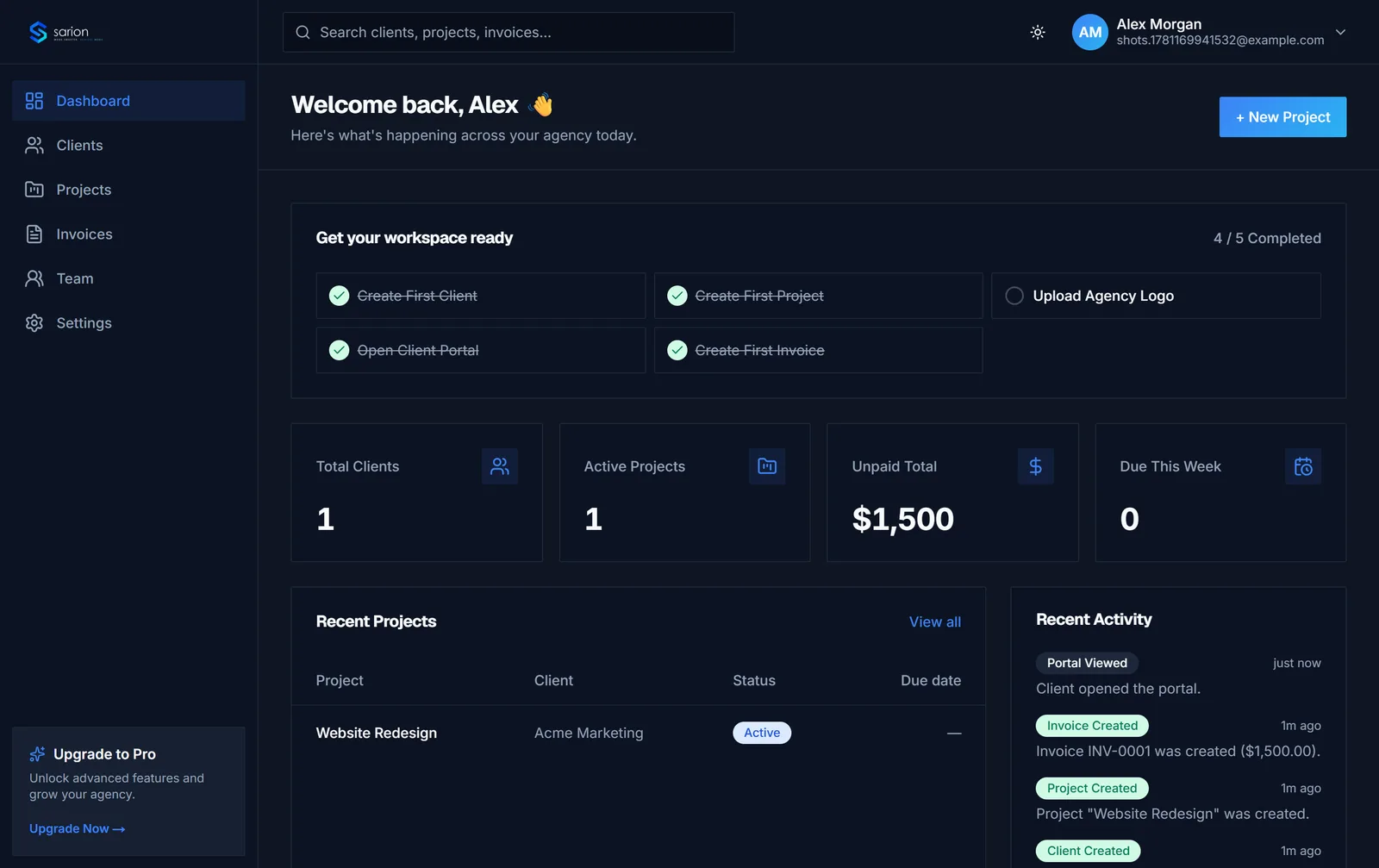
A task in Sarion is never just "a task" — it belongs to a project, and that project belongs to a client. Open a task and you already know who it's for and what it's part of, instead of hunting down context in a separate tool.
- Every task tied to a project
- Every project tied to a client
- No generic, disconnected to-do list
If your team lives and dies by deep task management, a dedicated tool alongside Sarion may still make sense — this keeps the basics covered without asking you to leave the client record.
Compare Sarion to other tools →Questions about tasks in Sarion
Is this a full task management tool like Asana or ClickUp?
No, and it's not trying to be. Sarion's tasks are intentionally simple checklists scoped to a project — there's no subtasks, dependencies, sprints, or standalone task board. If deep task management is your main need, it's worth comparing Sarion against dedicated tools first.
Can I assign tasks to team members?
Yes. Each task can have one assignee, so it's clear who owns an item on the checklist — but it stays simple, without workload views, capacity planning, or reassignment workflows layered on top.
Can I set due dates on individual tasks?
Not yet — tasks are mark-done checklist items without their own due dates today. The project itself carries a due date, which is what shows up on the dashboard and in the client portal.
Do tasks show up anywhere outside the project?
Yes, in one place: your dashboard shows a running count of open tasks across all your projects, so you can spot work piling up without opening every project individually. Tasks themselves stay inside their project — there's no separate, disconnected task list.