

Project tracking that stays tied to the client
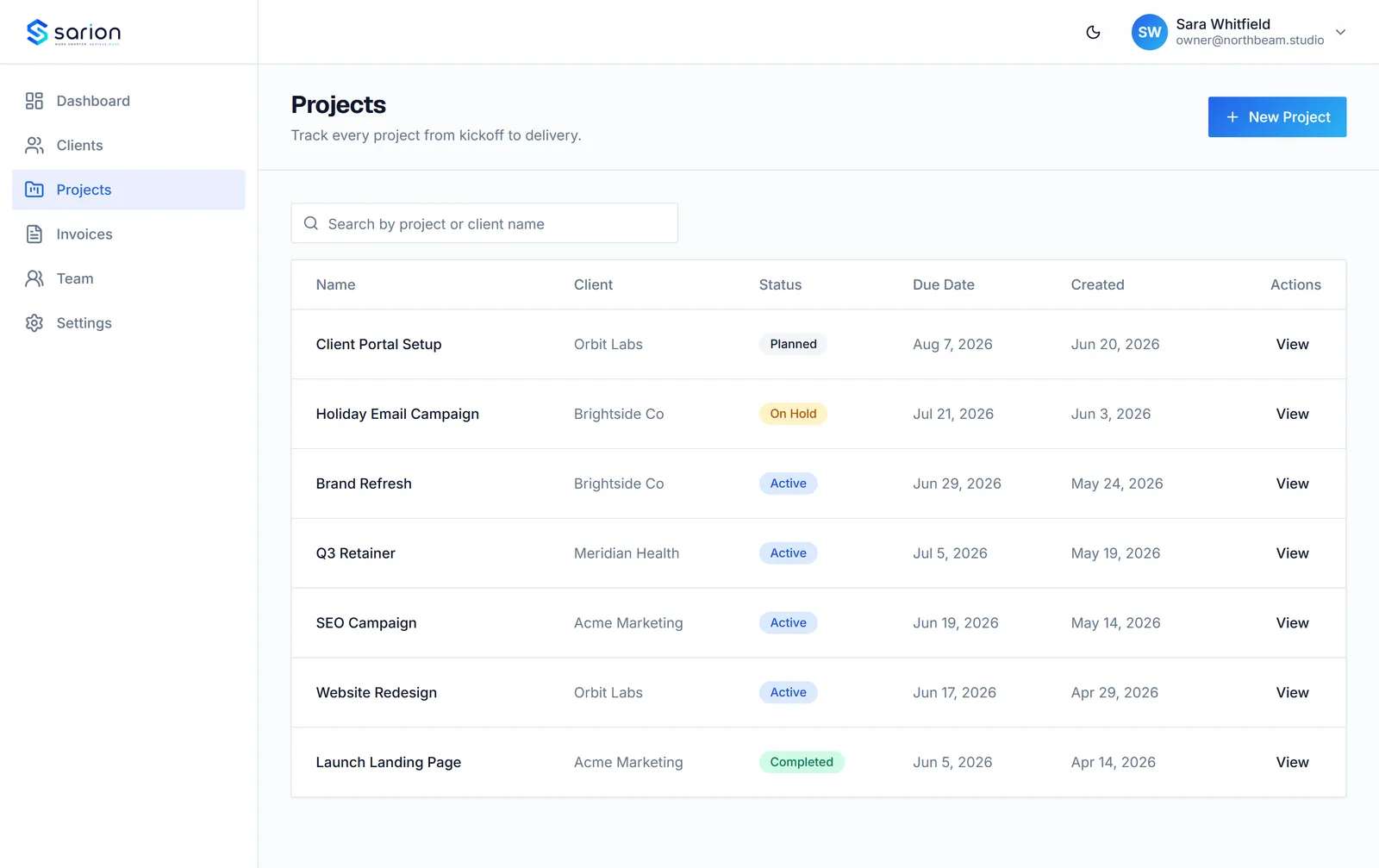
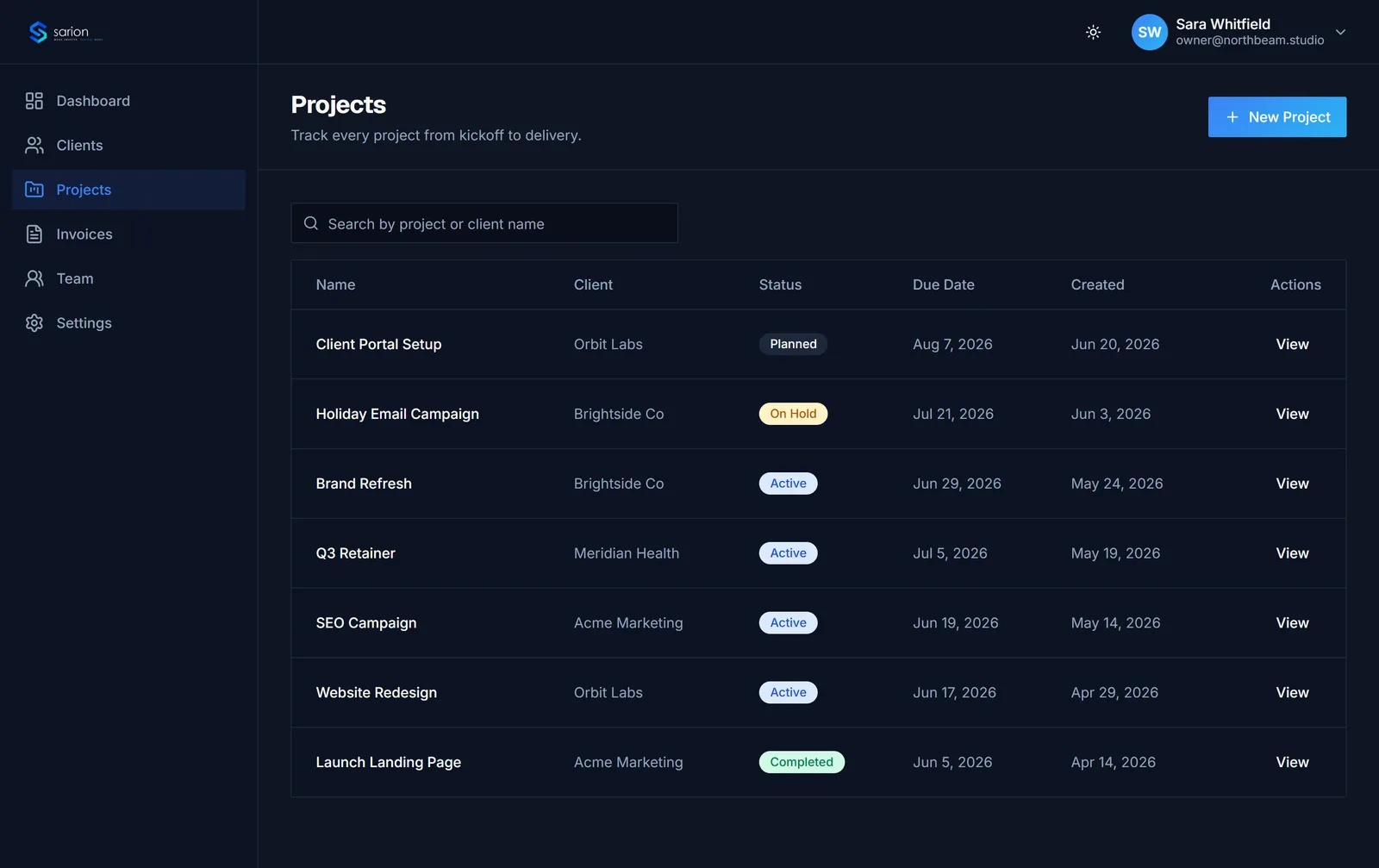
Every project belongs to a client record, so status, due dates, and task checklists never get separated from who it's for and what's been invoiced.
Sarion isn't a generic, standalone project tool bolted on next to your CRM. Projects live directly on the client record itself, right alongside that client's invoices, files, and portal activity — so a project's status always has context, not just a label on a board.
See what's slipping before a client has to ask
Set a project to Planned, Active, Completed, or On Hold the moment it kicks off, then check the dashboard each morning — delayed projects are flagged automatically so a missed due date never sits quietly until a client brings it up.
- Planned, Active, Completed, and On Hold statuses
- Due dates on every project
- Delayed-project alerts on the dashboard
- Project counts per client
Deadlines stay visible instead of living in someone's memory.
Break a project into steps you can actually track
A single status label doesn't tell you what's actually left to do. Add a task checklist inside a project to track the individual steps, so anyone on the team can see what's done and what's still outstanding without asking around.
- Task checklists inside every project
- Clear done vs. outstanding at a glance
- Scoped to the project and client it belongs to
Progress is visible in steps, not just a single status word.
See how task checklists work →One record ties the project, portal, and invoice together
Because a project lives on the client record, its status update is automatically what the client sees in their portal, and it sits right next to the invoices tied to that work — no separate tool to keep in sync, no status copied by hand from one app into another.
- Project status visible in the client's branded portal
- Projects sit alongside that client's invoices and files
- No separate project tool to keep manually in sync
Status-update emails go away because clients check the portal instead.
See the client portal →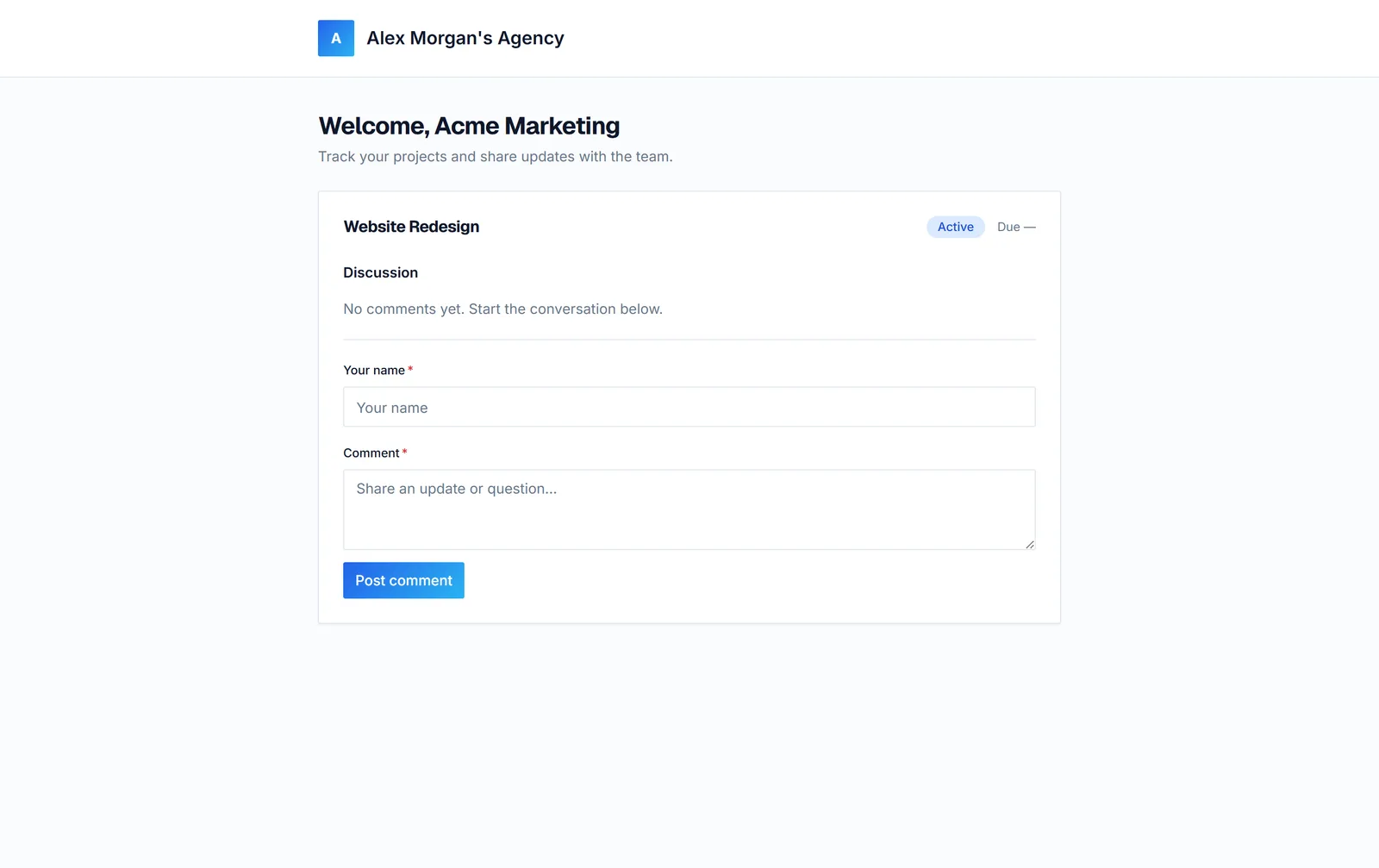
Questions about project tracking in Sarion
Can I set task checklists on a project?
Yes. Each project supports its own task checklist, so you can break work into steps and see exactly what's done versus outstanding — not just a single status label.
How do I see what's overdue?
Every project has a status (Planned, Active, Completed, or On Hold) and a due date. Delayed projects are flagged automatically across the dashboard and client record, so you catch a slipping deadline before a client has to ask.
Is this a replacement for ClickUp or Asana?
No — and it isn't trying to be. Sarion's project tracking is intentionally scoped to client delivery: status, due dates, and checklists tied to a specific client, invoice, and portal, not general team task management, sprints, or cross-team backlogs. If you need a full project-management suite for internal engineering work, keep that tool and use Sarion for the client-facing side.
Do projects show up anywhere besides the projects list?
Yes. Every project lives on its client's record alongside that client's invoices, files, and portal activity, and project counts and delayed-project alerts surface right on the dashboard — so status is never separated from who it's for.