

Every client's history, in one timeline
Client created, project started, invoice sent or paid, meeting scheduled — every meaningful action gets logged to that client's record automatically, in order, so the full history is there whenever anyone needs it.
When a client asks "what's the status?" or a teammate takes over an account, the answer shouldn't live in someone's memory or a scattered inbox. Sarion logs activity to the client record as it happens, so the timeline is always up to date without anyone having to write a status note.
Logged as it happens, not typed up after
Create a client, start a project, send or get paid on an invoice, schedule a meeting — Sarion writes each of those to the client's activity timeline on its own. There's no separate step to "log the update," so the record doesn't depend on anyone remembering to keep it current.
- Client and project events
- Invoice created and paid events
- Meetings scheduled
- No manual note-taking required
The history builds itself in the background, so it's always there when you need it.
Anyone on the team can pick up where you left off
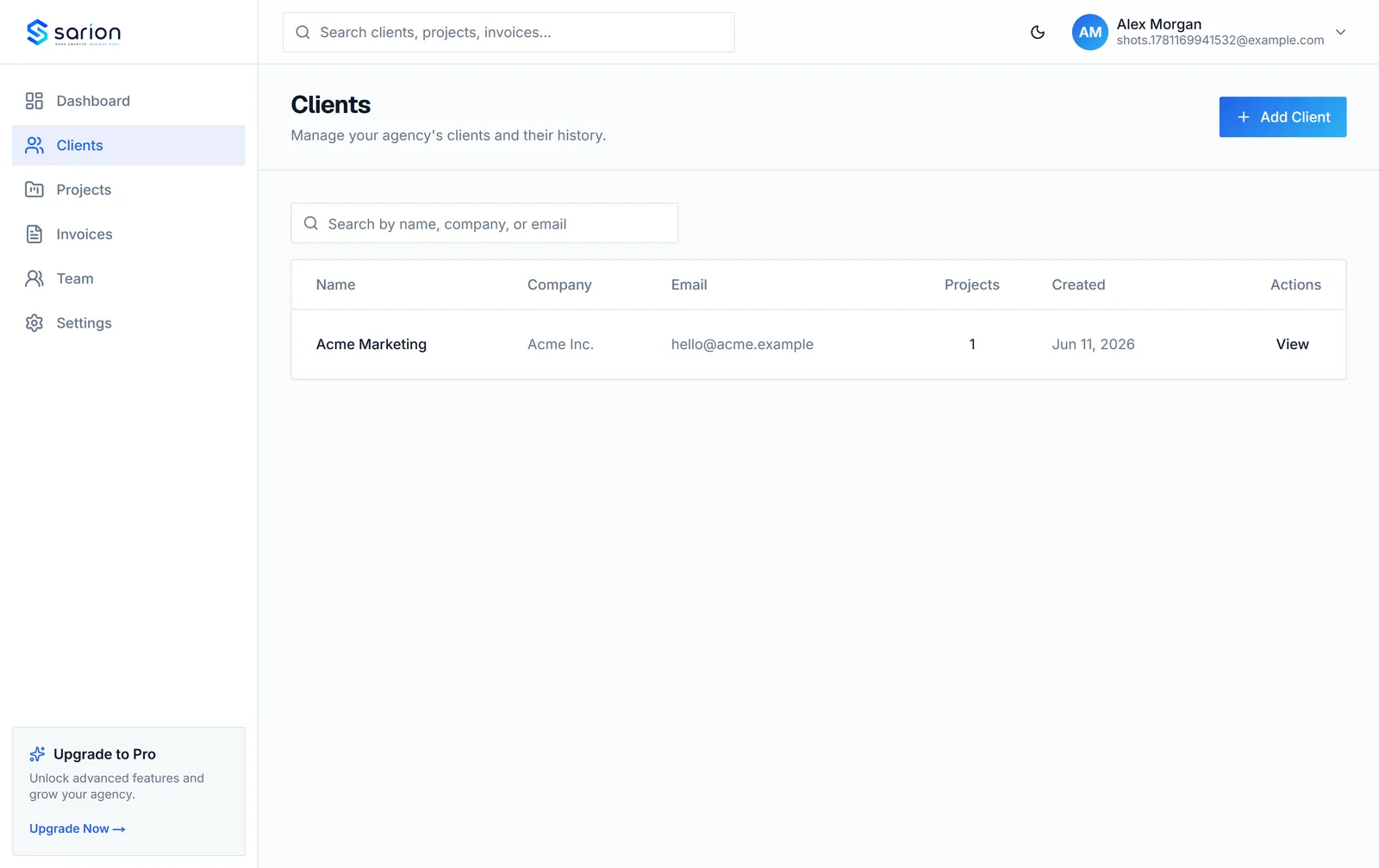
Every entry is tied to the client it happened on, so opening a client record shows its full history in order — not just the most recent message. If someone's out sick or a client gets handed to a new account manager, the context is already there instead of living in one person's head.
- Full history per client, in order
- Searchable across past activity
- Agency-wide feed across all clients
No one has to ask "does anyone know what happened with this client?" again.
See the client CRM →Clients see real progress, not a status email
Select activity from the timeline — project milestones, invoice status, and other client-relevant updates — surfaces directly in the client's portal. Instead of writing a separate status update, the progress that's already happening becomes something the client can check on their own.
- Client-relevant milestones in the portal
- No separate status email to write
- Internal notes stay internal
Clients stop asking "what's the status" because they can already see it.
See the client portal →Questions about the activity timeline
Is the activity logged automatically, or do I have to add it myself?
Automatically. When a client is created, a project starts, an invoice is created or paid, or a meeting is scheduled, Sarion logs it to that client's timeline on its own. You don't have to remember to write a status update — the record builds itself as the work happens.
Can clients see the full internal timeline?
No, not everything. Clients only see select activity in their portal — the milestones relevant to them, like project progress and invoice status — not your internal notes or every minor update. You control what's client-facing versus internal.
Can I search past activity?
Yes. Activity on a client's timeline is searchable, so you can find a specific update or note from months ago without scrolling back through everything in between.
Does this work across all my clients, or just one at a time?
Both. Each client has their own timeline, and there's also an agency-wide activity feed so you can see what happened across every client without opening each record individually.