

A branded portal, not another status-update email
Clients get one link to check project status, leave comments, and see what they owe — under your agency's own branding, not Sarion's.
Looks like your agency, not ours
Every client gets a unique, shareable portal link — no Sarion logo, no signup screen. Add your own logo and agency name once, and every client who opens their link lands in a portal that looks like a product you built yourself.
- Your logo and agency name on every page
- One shareable link per client — no app to install
- No signup or password for your client to manage
Your portal becomes part of your agency's brand, not a reminder that you're using someone else's tool.
Try the live portal demo →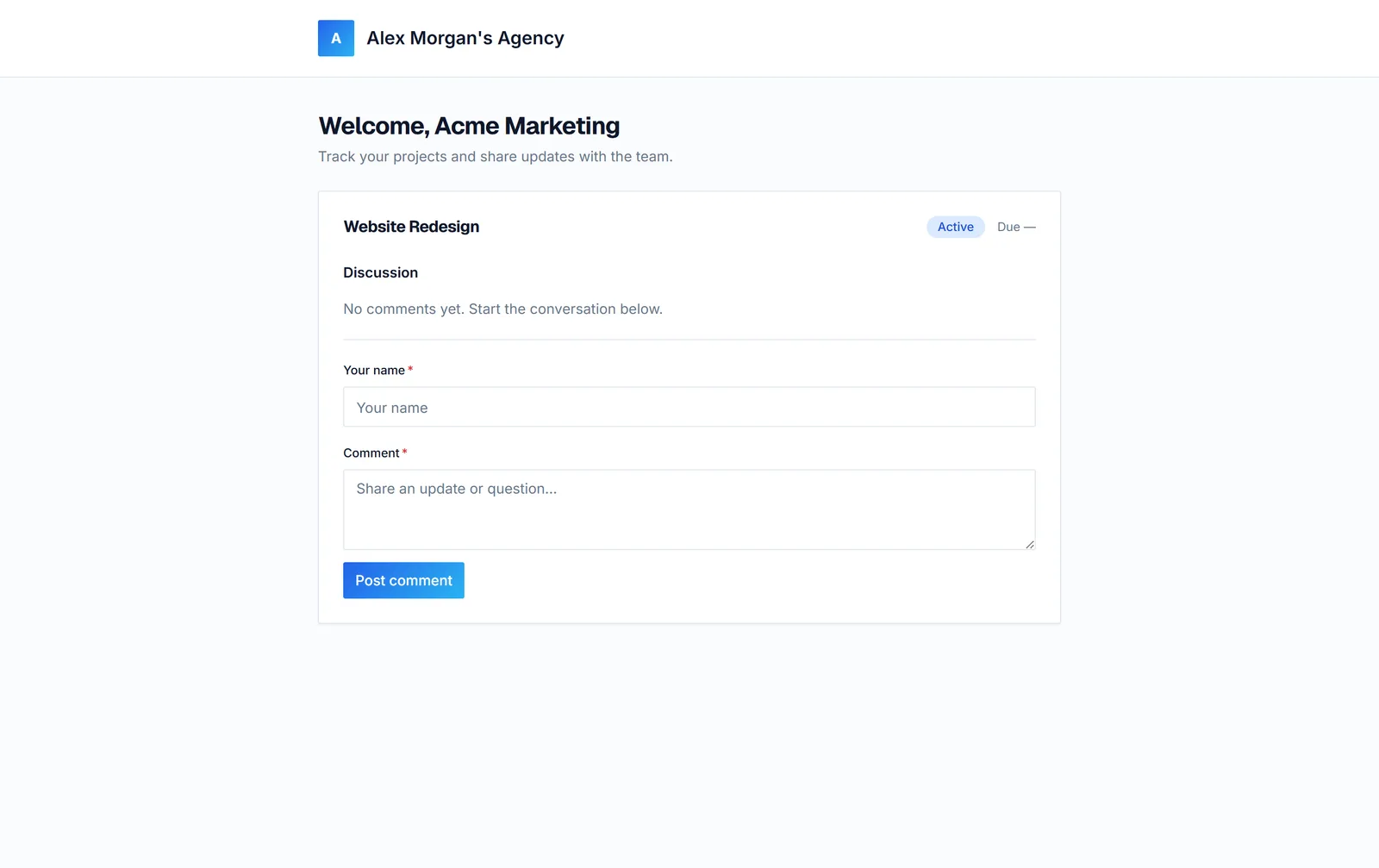
Clients follow along without emailing you
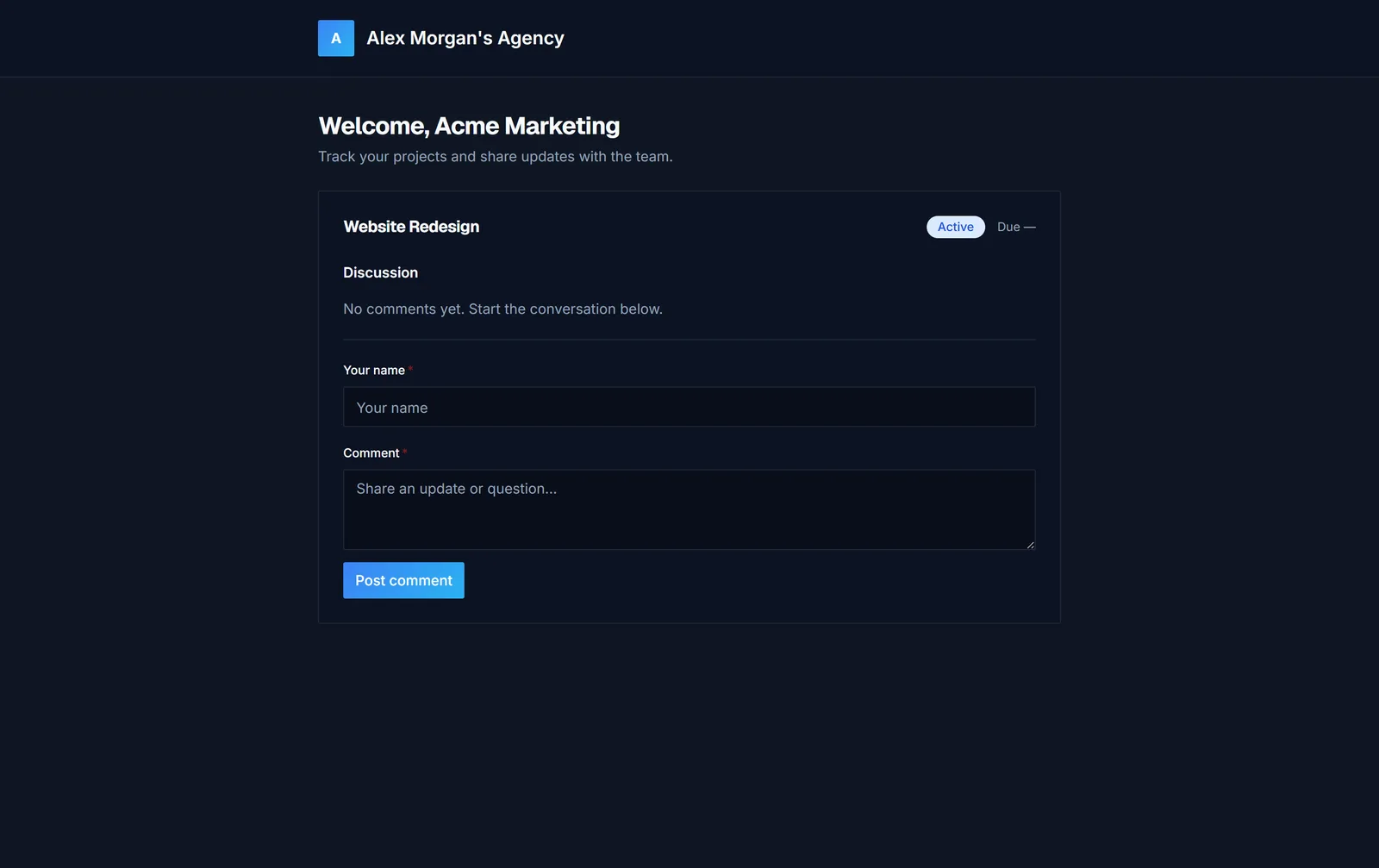
Each project shows its current status and due date right in the portal. If a client has a question or feedback, they leave it as a comment on that project — so the conversation stays attached to the work instead of scattered across email and chat threads.
- Live project status and due dates
- A comment thread per project
- Recent activity, so clients see what changed
The Friday status-update email goes away almost entirely — clients check the portal instead of messaging you for updates.
Payment status, right where clients already look
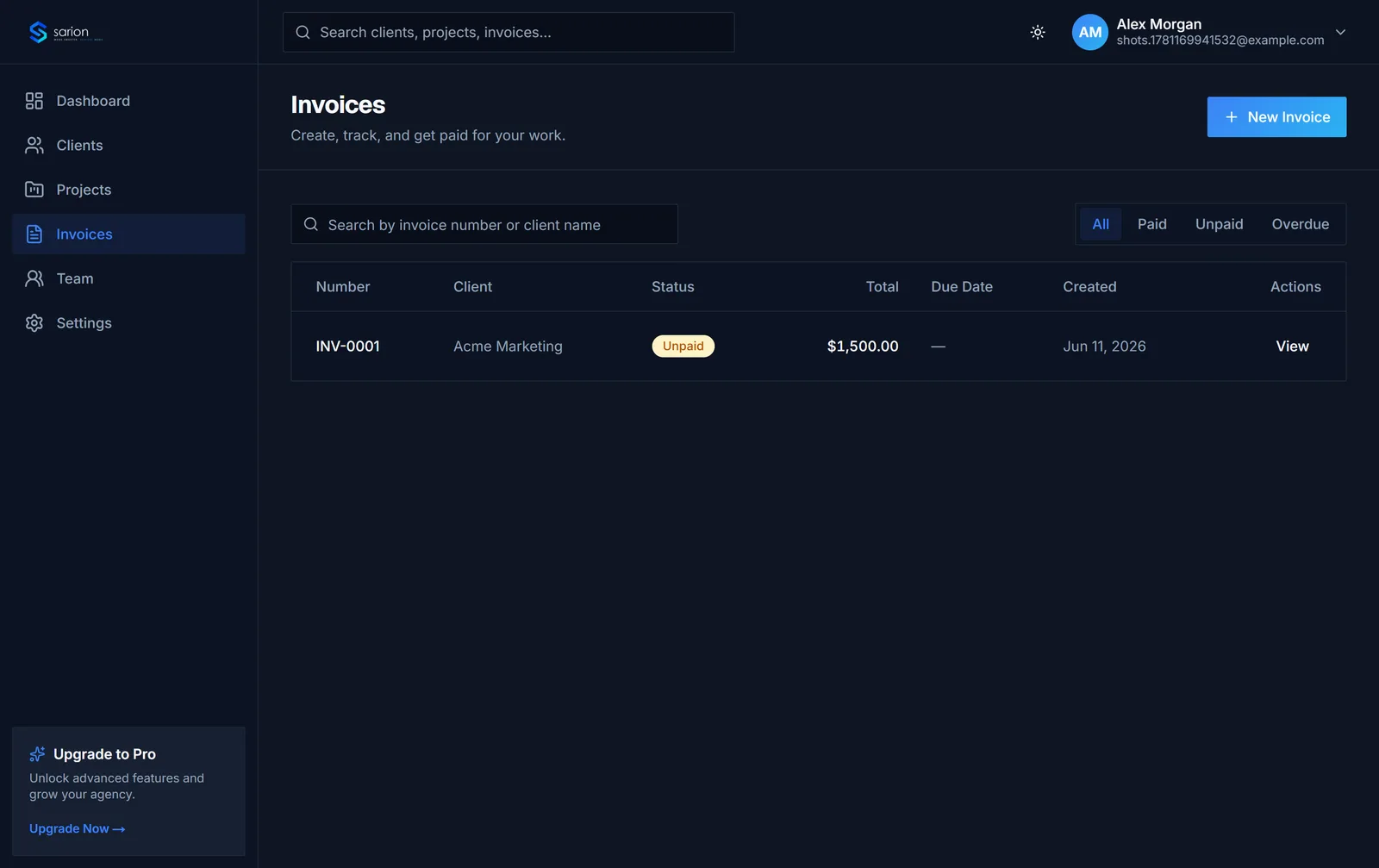
Invoices show up in the same portal as project status — marked paid or pending — so a client can check what they owe without digging through their inbox for a PDF or asking your billing contact directly.
- Paid and pending status at a glance
- Line-item detail on every invoice
- No "did you get my invoice?" follow-ups
Fewer awkward payment conversations, because the status was visible the whole time.
See how invoicing works →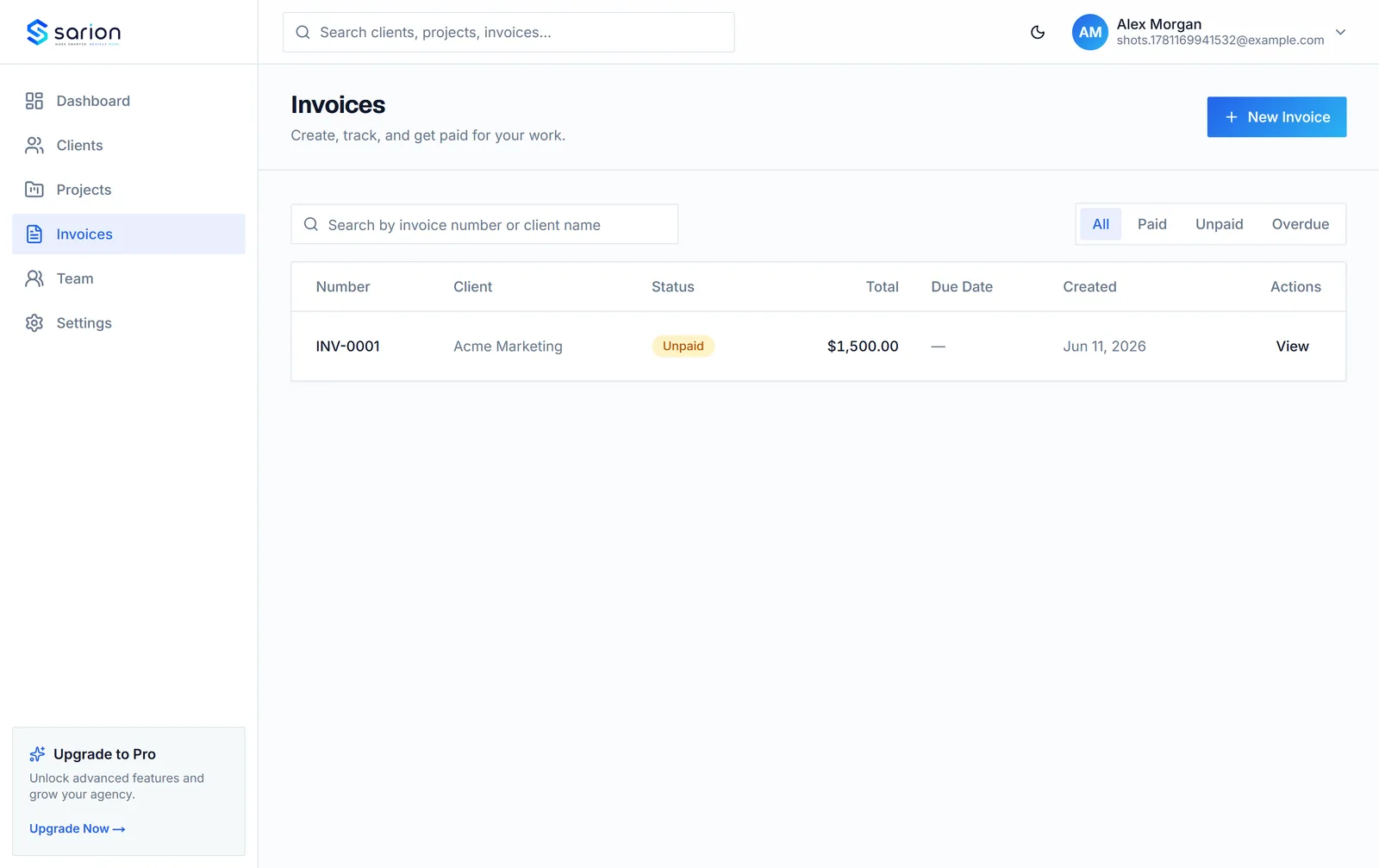
Questions about the client portal
Does the portal show our branding or Sarion's?
Yours. Add your agency's logo and name so the portal your clients open looks like your own product — clients see your agency, not Sarion.
Can clients comment on projects?
Yes. Each project has its own comment thread inside the portal, so a client can ask a question or leave feedback in context instead of starting a new email chain.
Do clients need to create an account or log in?
No. Each client gets a unique, shareable portal link — no signup and no password to remember. Opening the link takes them straight to their projects, files, and invoices.
Can clients see invoice status in the portal?
Yes. Paid and pending invoices are shown right alongside project status, so a client can check what they owe without asking you or digging through email.