

Your whole team, one shared workspace
Invite teammates and contractors, give each person the right level of access, and let everyone work from the same client, project, and invoice records instead of scattered docs and DMs.
Client work falls apart when the account manager, the person doing the work, and the person sending invoices are all looking at different information. Sarion keeps everyone on one team working from the same source of truth, with access that matches their role.
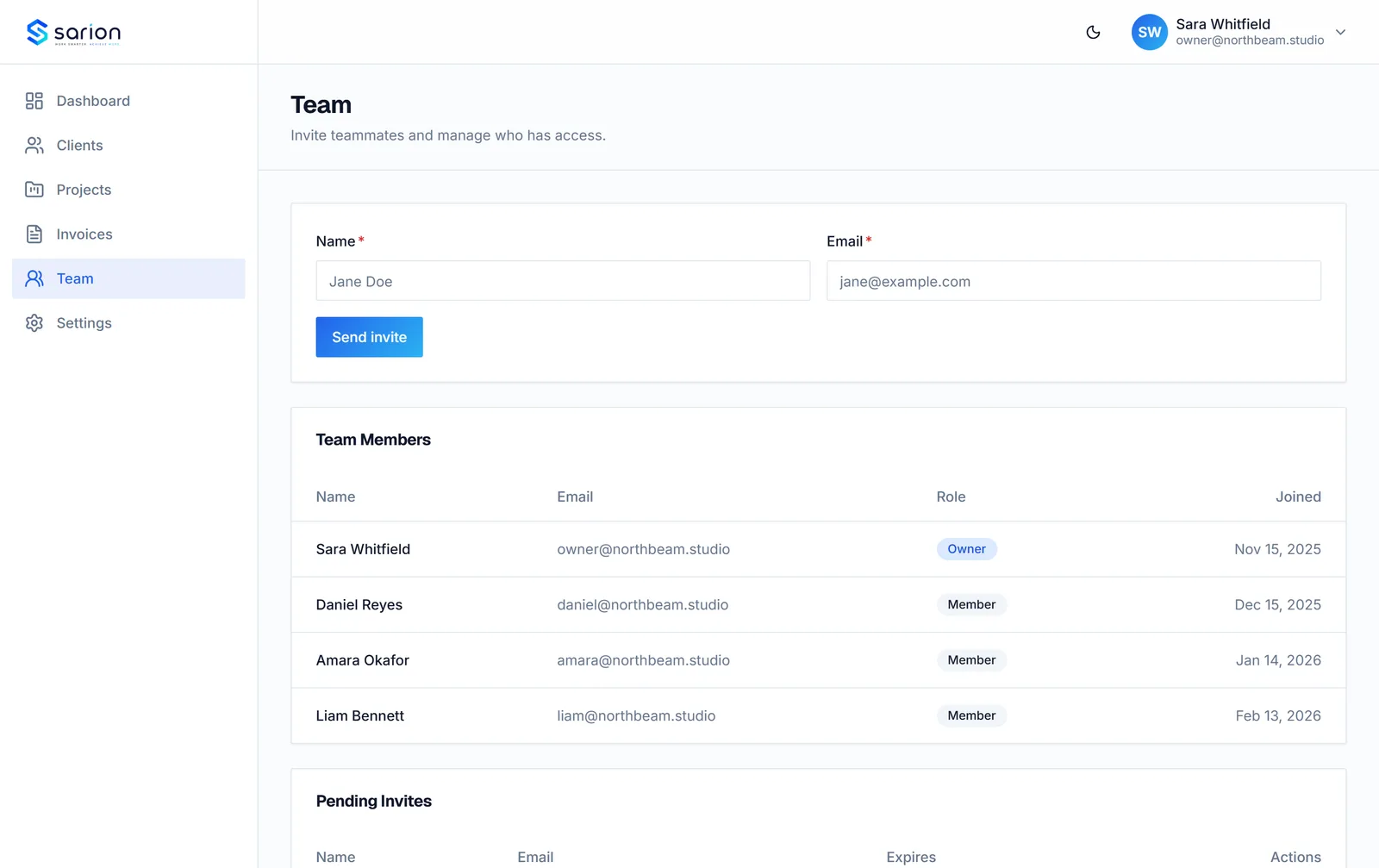
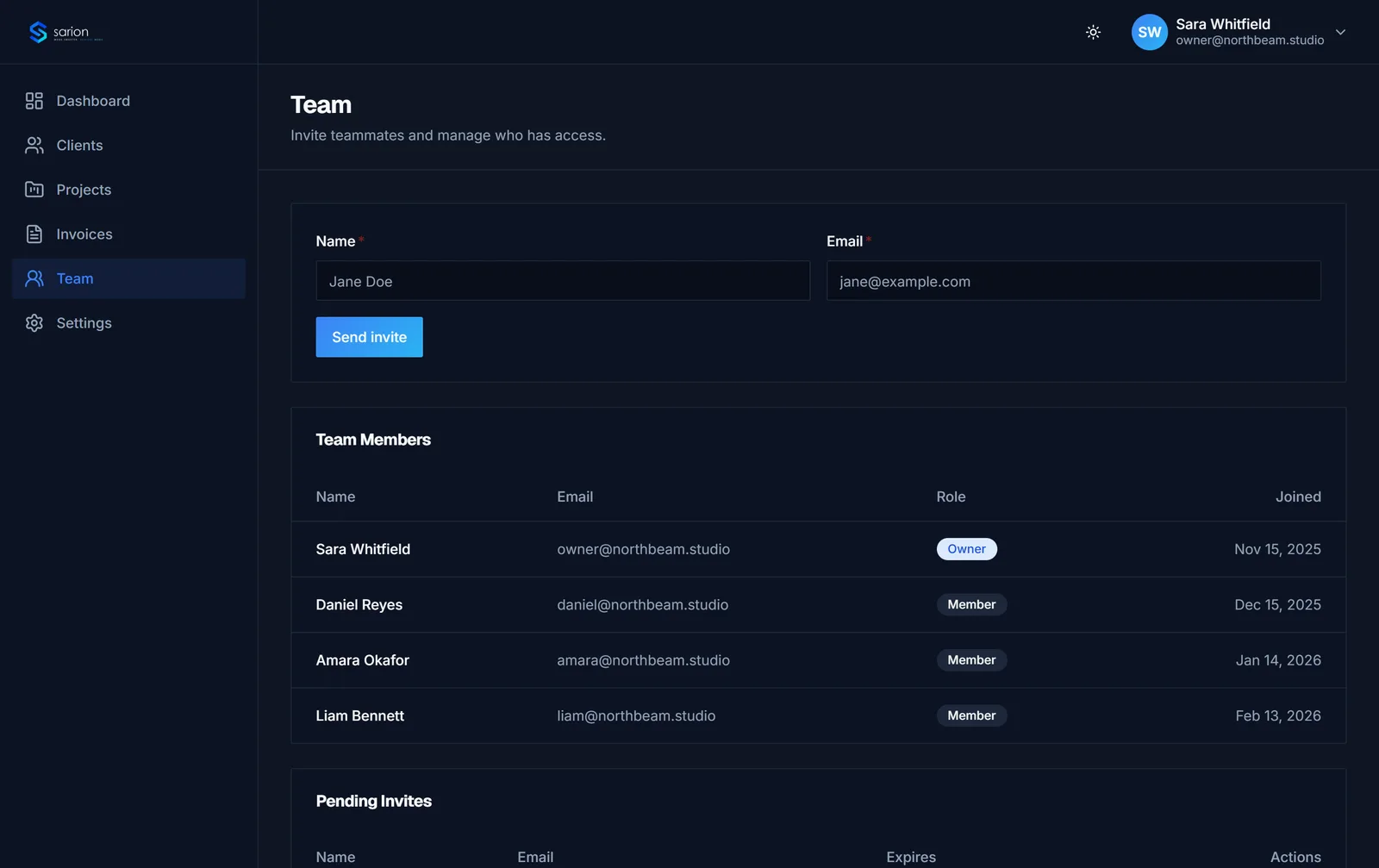
Invite your team, set the right access level
Founders invite teammates and contractors into the workspace as either an owner or a team member, so a freelancer brought on for one project gets access to do their work without owner-level controls over billing or agency settings.
- Owner access
- Team member access
- One invite, instant access
Everyone gets access that matches their role, with no oversharing.
Everyone works from the same client record
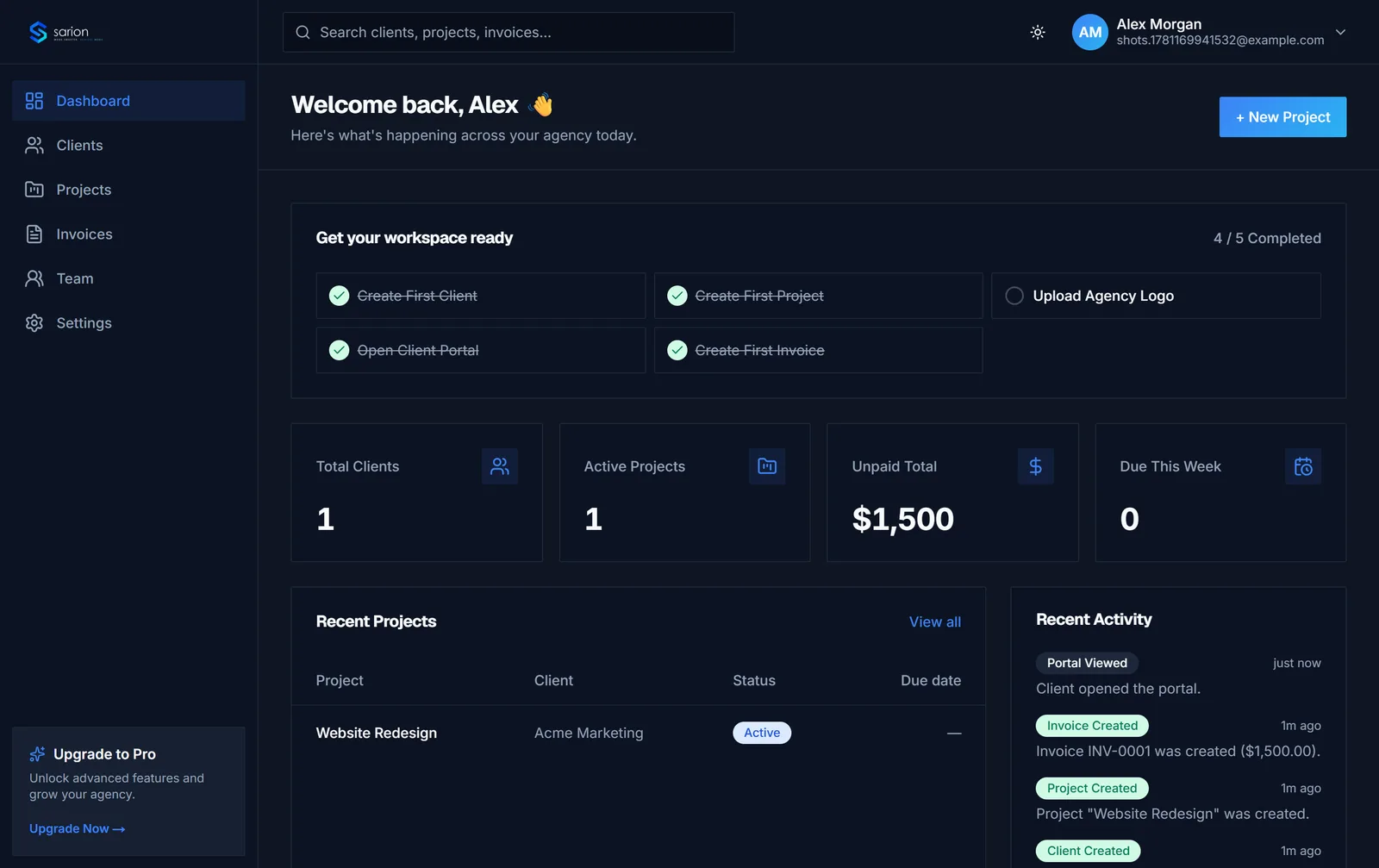
Instead of one person's inbox holding the real status of a client, every teammate sees the same client, project, and invoice data the moment it's updated — so "does anyone know the status?" stops being a question anyone has to ask.
- Shared client records
- Shared project status
- Shared invoice visibility
No more chasing a teammate to find out where things stand.
See the client record →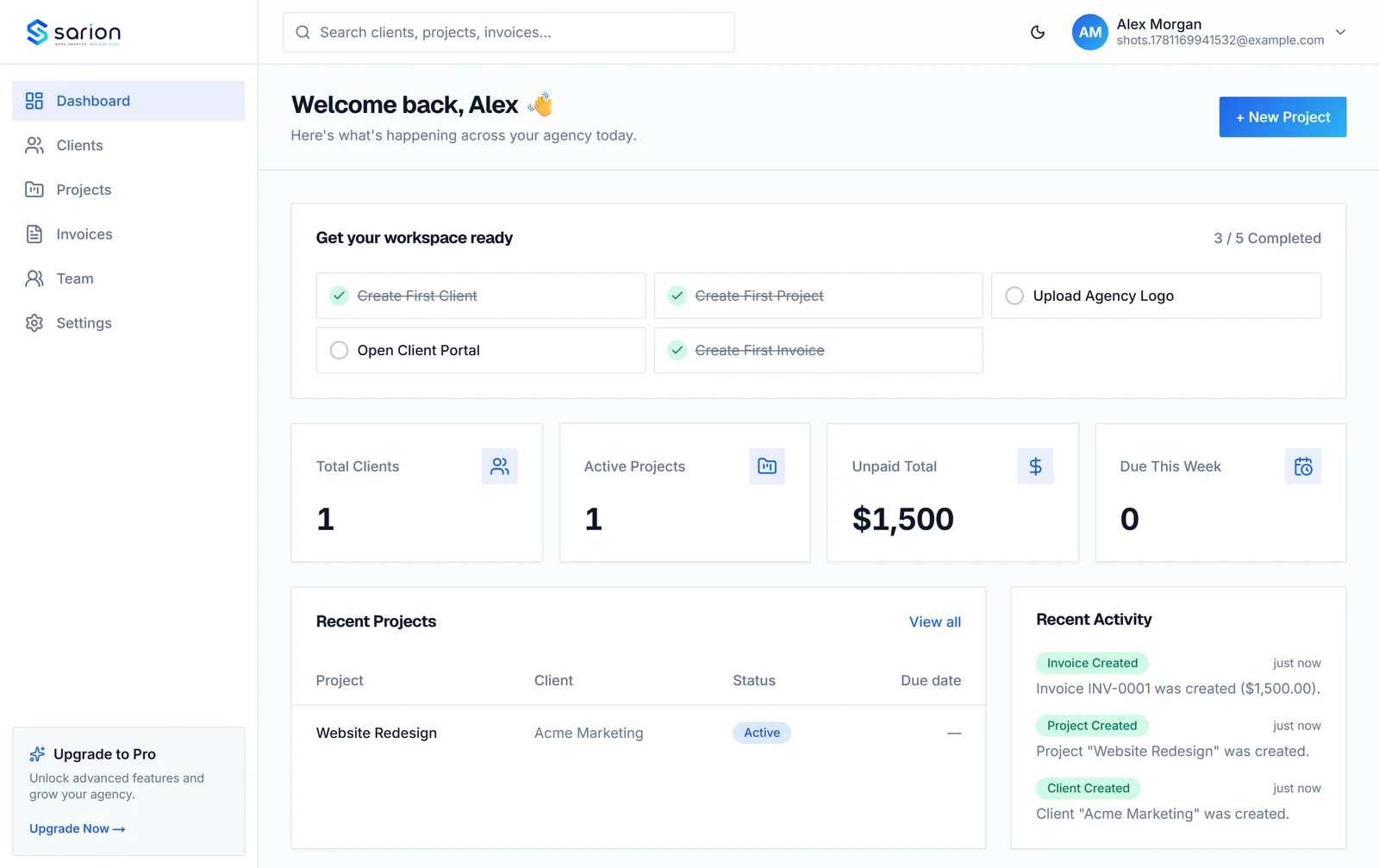
See who's stretched thin before it's a problem
Team leads can see workload across the team at a glance — who's carrying too many active projects and who has room — instead of finding out someone is overloaded only after a deadline slips.
- Team workload view
- Active project counts per person
- Visible before deadlines slip
New work goes to whoever actually has the capacity for it.
Questions about team collaboration
Can I limit what a freelancer or contractor sees?
Yes. When you invite someone as a team member rather than an owner, they work inside your agency's shared workspace without owner-level controls — so a contractor brought on for one engagement isn't managing billing or account settings they don't need to touch.
How many team members can I add?
That depends on your plan — check current seat limits and what's included at each tier.
What's the difference between an owner and a team member?
The owner is the agency account holder who invites people and manages the workspace. Team members get access to the same shared client, project, and invoice records so they can do their work without owner-level administrative access.
Do team members see workload across the whole agency?
The team view shows who's working on what across active projects, so leads can see workload at a glance instead of asking around before handing off new work.