

Look like an agency, work like a freelancer
You don't need team permissions or a sales pipeline — you need a clean way to manage clients, send professional invoices, and give clients a place to check in that isn't your personal inbox.
Where freelancers lose time and trust
Every tool assumes you have a team
Most CRM and agency software is priced and designed around teams of five or more, with permission systems and roles you'll never use as a solo operator.
Client conversations live in three different apps
One client texts, another emails, a third messages on a project tool — and remembering who said what to whom becomes its own part-time job.
Invoicing looks amateur
A plain-text invoice attached to an email doesn't inspire the same confidence as a clean, branded invoice a client can view and pay from a real link.
You are the entire operation
If you get sick or take a week off, there's no one to hand things to — so anything that reduces the mental load of tracking every client detail matters more, not less.
What's actually missing
Workable at first, but a spreadsheet gives a client zero visibility and no way to see their own invoice or project status without asking you directly.
Built around multi-seat pricing and permission structures for teams — overkill and often needlessly expensive for one person.
Handle the invoice but not the client relationship around it — notes, project status, and history live somewhere else entirely.
Problem, met with a real fix
Every tool assumes you have a team
Works cleanly as a single-person workspace — nothing about the client, project, or invoicing experience requires a team to make sense.
Client conversations live in three different apps
Every client's notes, project status, and history live on one record, so context isn't scattered across whatever app a given client happened to reach you on.
Invoicing looks amateur
Clients get a clean, branded invoice tied to their own project record — a small detail that reads as more professional than an emailed PDF.
You are the entire operation
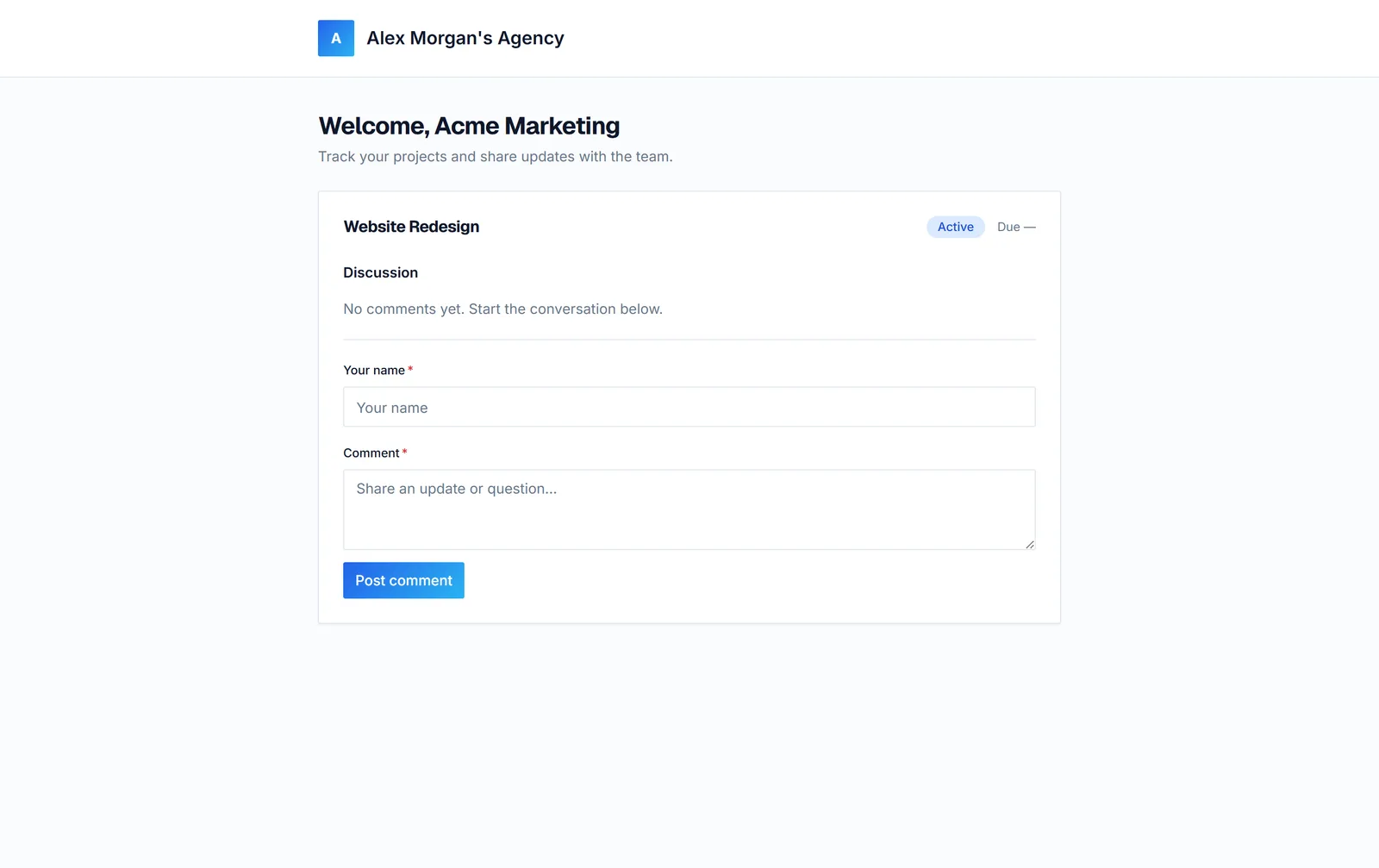
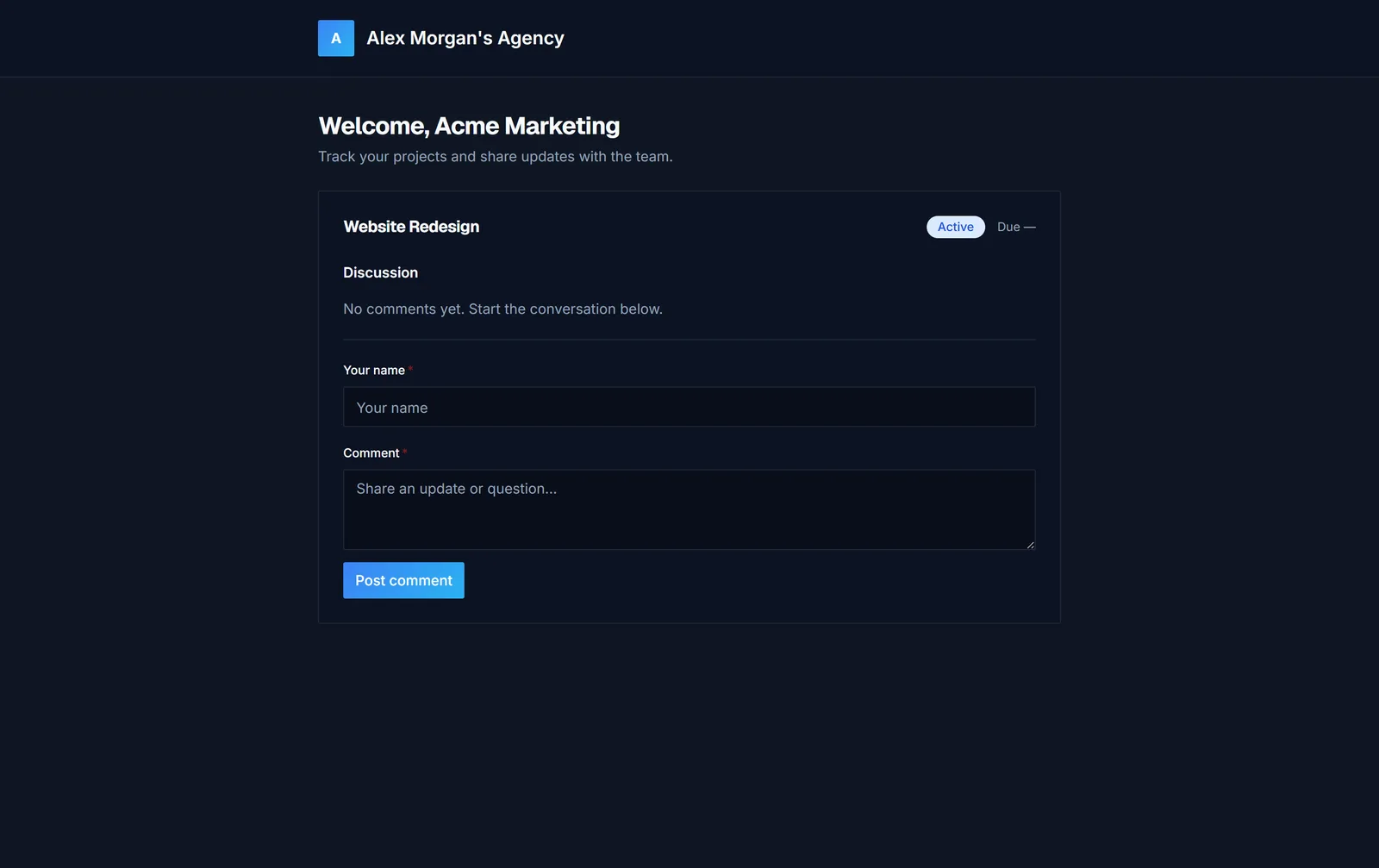
A client portal answers routine status questions without you writing a reply, freeing up time for the work that actually pays.
Built for exactly this
Every client, fully organized
Nobody on the team has to ask "does anyone know where that came from?" again.
- Client records
- Notes
- Activity history
- Search
A branded space for your clients
Status-update emails go away almost entirely.
- Branded portal
- Comments
- Progress visibility
- Shareable access
Never lose track of a payment
Overdue invoices get chased before they turn into bad debt.
- Paid
- Unpaid
- Overdue
What a week looks like
- 01
New client signs on
Add the client once, with contact details and project scope — no separate spreadsheet, no separate invoicing tool to duplicate the same information into.
- 02
Work happens
Log project status as you go, so a client who checks in can see real progress instead of getting a reply days later.
- 03
Client checks in
Instead of a text asking "how's it going?", the client opens their portal link and sees status themselves.
- 04
Invoice and get paid
Send a branded invoice from the same client record — no copying project details into a separate invoicing app.
What changes
- Client details stop being scattered across texts, emails, and memory.
- Invoices read as professional, not improvised.
- Fewer "how's it going?" messages to answer personally.
- One system that still makes sense if you ever bring on help.
Questions from freelancers
Isn't this overkill for a single freelancer?
No — it's built to work cleanly for one person. You're not paying for or navigating team permissions and roles you'll never touch; it's client records, a portal, and invoicing, nothing more than that.
Will my clients need to create an account?
Clients access their portal through a link tied to their project — a lightweight way to give them visibility without friction on their end.
Can I use this for just a handful of clients?
Yes — it's genuinely useful even at 2-3 active clients, mainly for looking professional and not losing track of details between them.
Does it replace my accounting software?
No — it handles client-facing invoicing (sending, tracking paid/unpaid/overdue), not full bookkeeping or tax prep. Most freelancers use both.
What if I bring on a subcontractor later?
You can add a team member with scoped access when that happens — nothing about starting solo locks you out of growing later.
Built for Freelancers
Start free — no card required. See your first client portal live in minutes.